

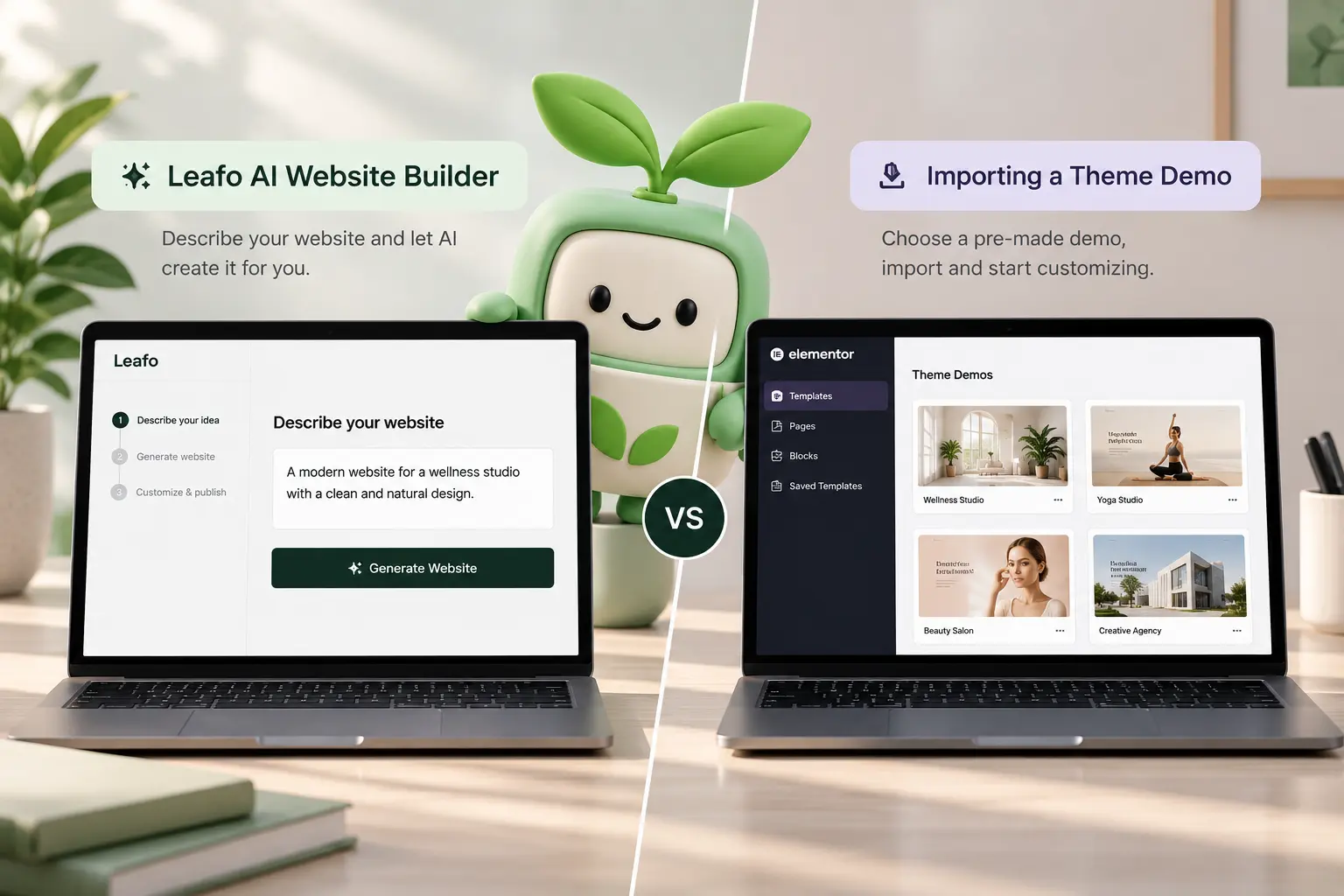
Importing a Brandberry demo and generating a site with Leafo are not the same job. The demo is a finished layout with placeholder copy. Leafo’s Website Builder starts from a starter site, then fills pages, copy, and images from your brief, still as native Elementor. Mixing them up is how people generate a second homepage on a site that already has one, or spend a weekend replacing “lorem” when the builder would have used their offer.
This is a practical choice for TreeThemes users: when to run the Leafo AI Website Builder, and when a normal demo import is enough. It is not a survey of every AI builder—that landscape is in AI WordPress website builders in 2026. After either path, you still brand globals; that order is in customizing an Elementor theme demo.
Use the Website Builder when
- The install is empty (or you accept rebuilding). Docs are clear: generate before you have a pile of custom content.
- You have a real business description: who you help, where, what you sell, the pages you need.
- You want first-pass copy and images tied to that brief, not demo names you will hunt later.
- You are on a theme with Leafo built in—start from Brandberry and the Leafo AI page for what is included (credits, starter sites, Assist).
The wizard asks for website type, a written brief, a starter site, which pages to keep, whether to generate copy and images, then branding (logo, colors, fonts). Treat the output as a staging draft. Check invented locations, fake testimonials, and prices before anything goes live. The same caution as any AI draft: if you would not show it to a client, it is not done.
Import a demo when
- You already know which demo is the layout and you will paste final copy yourself.
- The site exists and you only need extra templates—do not run a full site generate over it. Use Generate page/section or Leafo Assist in Elementor instead.
- You are matching a Figma that already specifies every section. Generation will fight that file; see Figma to WordPress handoff.
A demo import is still the right first click for a freelancer who sells the same layout monthly and only swaps brand tokens. Leafo is faster when the bottleneck is filling ten pages with this business, not picking a look.
After generate: still do the human pass
Set globals so buttons and type match—Elementor global styles. Cut leftover sections the brief did not ask for. Put the homepage on a diet using what a homepage needs. Open Elementor and use Leafo Assist to rewrite a section or swap an image without leaving the editor. Site builder tasks (pages, menus, forms) are for chores, not for inventing a new visual identity.
Work on staging. Do not generate on production. If the result is close but you do not want to spend the next evening in Elementor, the customization hours on the services page are for that punch list. If you want a human to run the builder with your brief, contact with the business paragraph and the starter site you prefer.



