

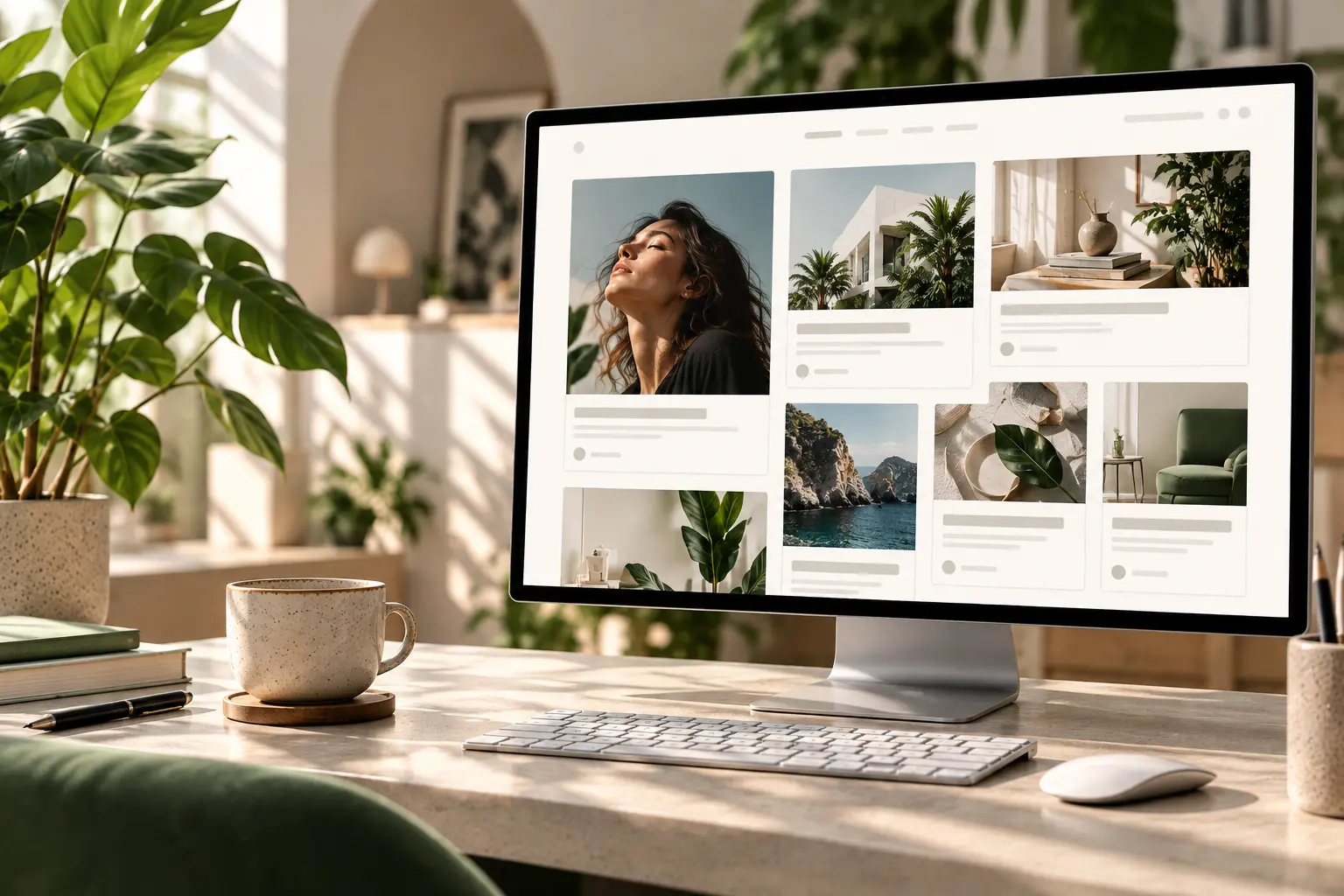
A single post can look designed while the blog index still looks like 2014: a left column of titles, a right sidebar of unused widgets, and featured images cropped three different ways. The archive is what people hit from “Blog” in the nav. If that page is the theme default, the rest of the Elementor site feels unfinished.
This is how to design an Elementor blog archive (the posts index, categories, and tags) as one Theme Builder template. The article layout is a different template—see Elementor single post template. It is not a content calendar.
One archive template, dynamic cards
Create an Archive template in Theme Builder (Animation Addons → Theme Builder → Archive). Set display conditions for the posts page and, if you want the same look, for categories and tags. Edit with Elementor. Use a posts/loop widget so each card pulls title, date, excerpt, and thumbnail from the post—not six static demo articles you will forget to update.
That is the same chrome model as the header and footer: one template, many URLs. On Brandberry, Deep, Pine, and Willows, Archive is a built-in type. Do not also assign an Elementor Pro archive to the same condition.
What a scannable index includes
- A short H1 — “Journal” or the category name, not a marketing paragraph.
- Cards in a simple grid — image, title, date, two lines of excerpt. Equal image height. Skip hover animations that hide the title on a phone.
- Pagination — numbers or next/previous. Infinite scroll on a twelve-post blog is theatre.
- Optional: two featured posts at the top — only if you will keep them current.
Skip the sidebar of “recent posts” that duplicates the grid, a tag cloud, and a newsletter you do not send. A search field helps when the archive is long; on ten posts it is empty. The last block can be one line plus a button to the contact page or services, not a second blog.
Writing still happens in WordPress
The archive only works if new posts use the single template and a featured image at a consistent ratio. Editors add articles in the block editor; they should not build a unique Elementor page per post. That split is in making a site easy for clients to edit.
Pull type from global styles so the index matches home. If you uploaded a brand face, use it here too—custom fonts in Elementor. On mobile, one column, titles not truncated into mystery, images not covering a sticky bar: mobile mistakes.
Need the archive and single built once so the rest is writing? Contact with the blog URL, or a short pack on the services page.



