


Leafo AI Assist is not the Website Builder. The builder stands up a first site from a brief. Assist lives in the Elementor editor: rewrite this heading, add a section, convert this block for a different business, replace an image—without leaving the page. Mixing them up is how people regenerate a whole homepage when they only needed a better hero line.
This is how to use Assist on a TreeThemes site that already has Leafo. For the first-site choice, read Leafo AI Website Builder vs importing a demo. Product detail sits on the Leafo AI page. It is not a tour of every AI builder; that landscape is in AI WordPress website builders in 2026.
Turn it on, then stay on one page
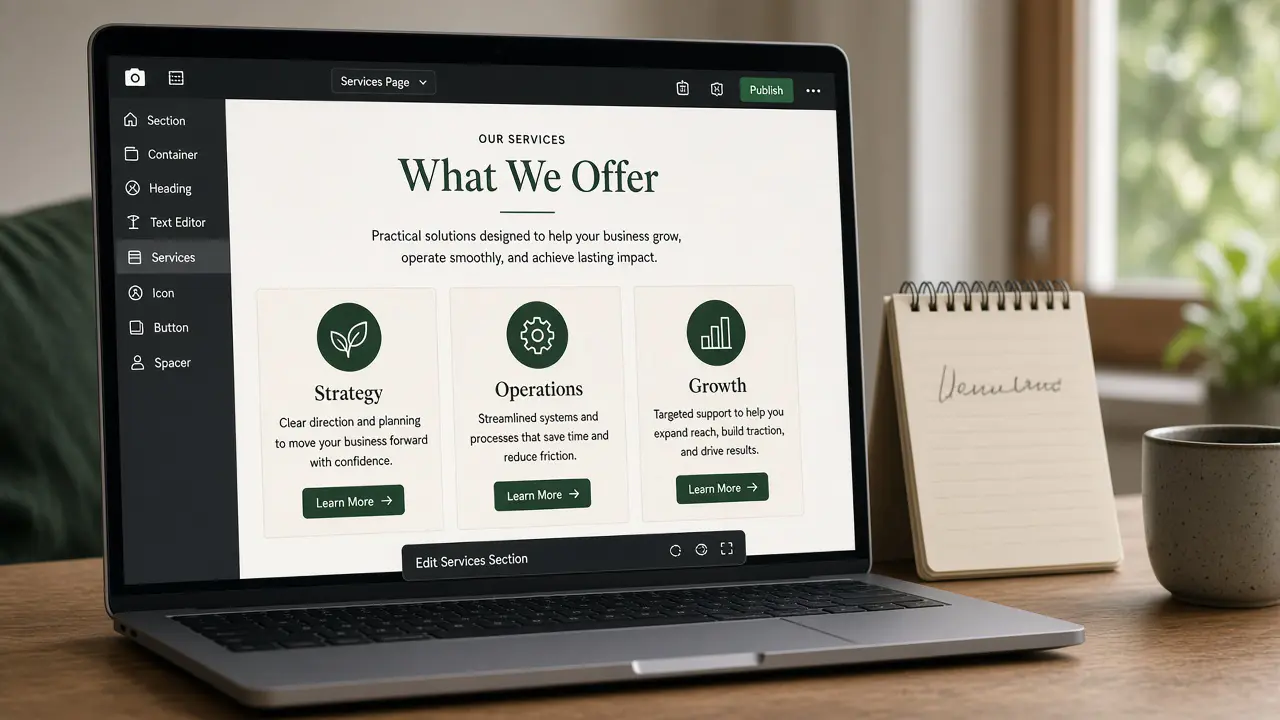
In Brandberry, enable Leafo in Elementor under Brandberry Theme → Brandberry AI → Leafo AI Assist (“Show Leafo in Elementor”). Open a page or template with Elementor and use the Leafo control in the editor. Each action spends credits from your Leafo balance—Brandberry includes a starter pack; the current balance is in the Brandberry AI sidebar.
Work on staging, not production. Assist can rewrite real copy and swap images in one click. A bad prompt on a live shop is a support ticket. Same rule as any other chrome change: staging before launch.
What each action is for
- Improve / rewrite text — shorten a hero, match a brand voice, expand a thin paragraph. Give it the voice in the prompt (“plain, no slogans”) or it will sound like every other service site.
- Edit section — change an existing Elementor section from a prompt (swap the three-column row for a two-column story). Check globals after; one-off colors are how demos come back. See Elementor global styles.
- Create section — generate a new section in the current style. Use it for a missing FAQ or a proof row, not a second homepage. Keep the page on a diet: what a homepage needs.
- Convert section / convert page — restyle copy for another business while keeping structure. Useful when you reuse a starter. Fact-check names, cities, and prices; Assist will invent them confidently.
- Generate / replace image — a placeholder while you wait for real photography. Do not ship a grid of similar AI faces as “the team.”
When not to use it
A unique Figma, a full sitemap, or a site that does not exist yet belongs in the Website Builder or a human pass—not twelve Assist clicks. Matching a designed file is still a Figma to WordPress handoff. A punch list you do not want to click through is a customization pack on the services page.
After Assist, read the page like a client: mobile, buttons, and a form that still sends. Clients should still be able to edit the text in Elementor without opening Leafo; that is the same bar as a site easy for clients to edit.
On Brandberry (and other TreeThemes products with Leafo), Assist is the in-editor half of the kit. Use it to finish a draft, not to postpone choosing an offer. Need a human to review a generated page? Contact with the staging URL and what you want changed.



