

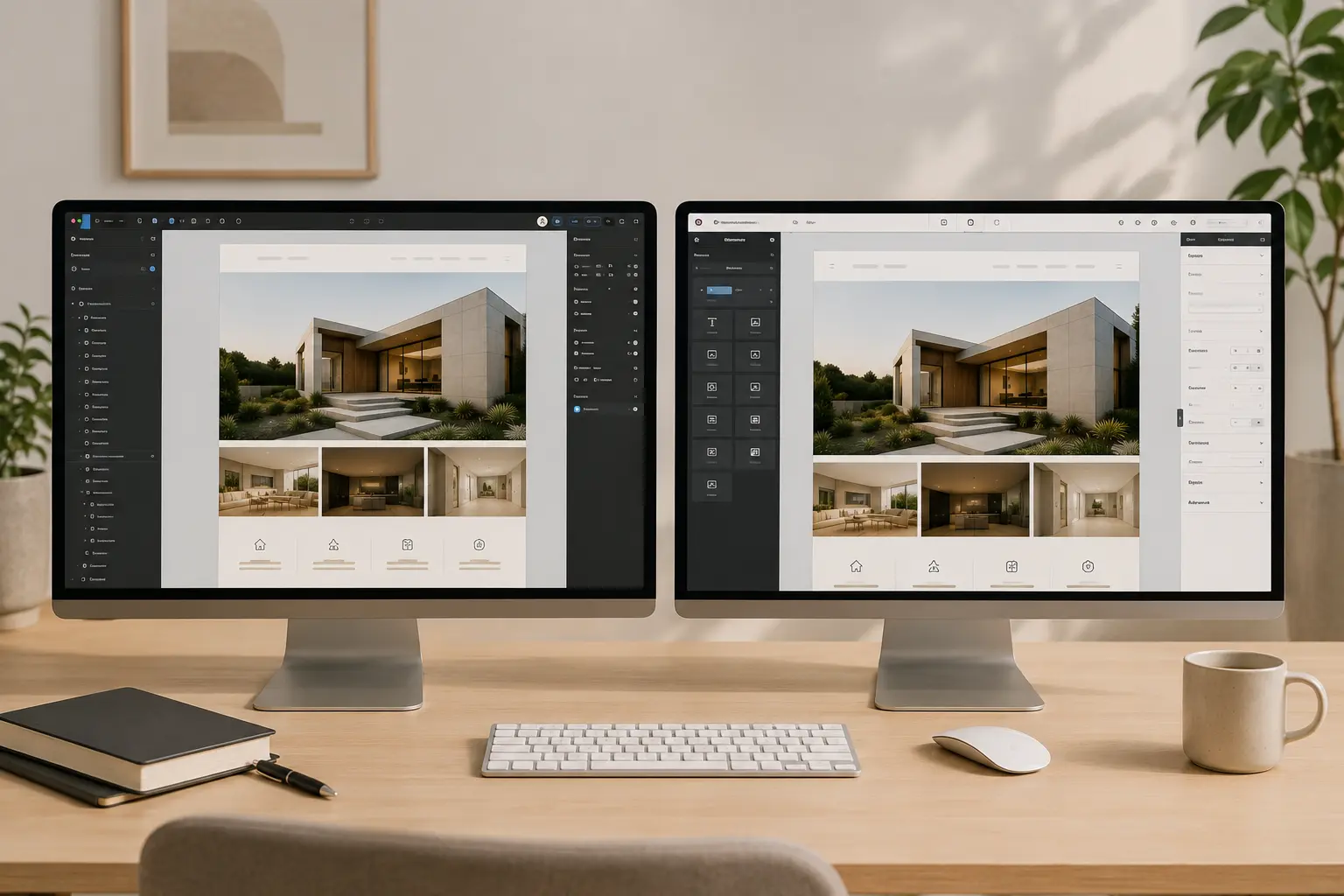
A Figma file can look finished and still be a poor WordPress brief. Auto-layout is inconsistent, there is no 404, the mobile frame is a crop of desktop, and components are named Frame 1284. The developer then guesses. The site ships as “inspired by” the file, not built from it.
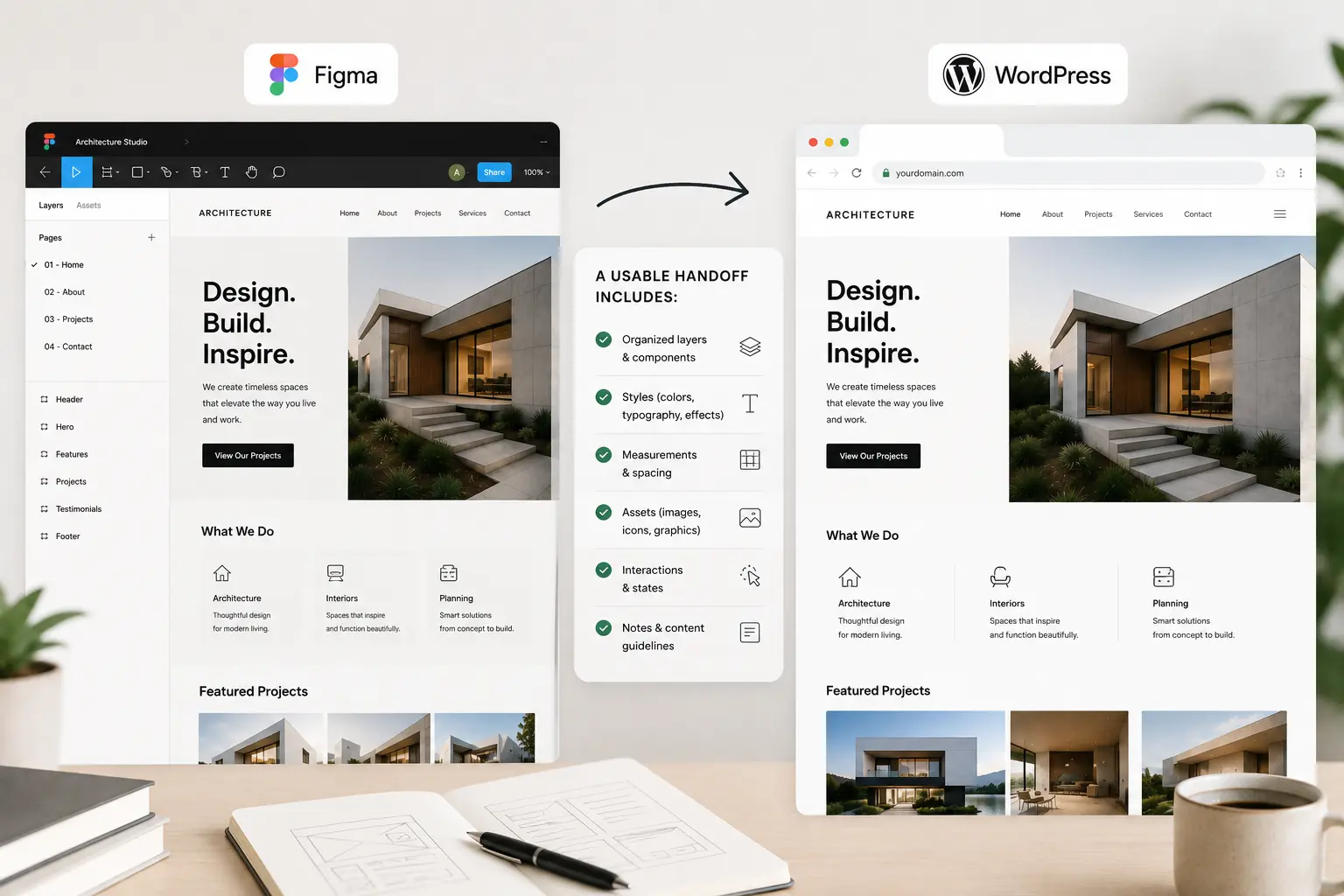
This is what a usable Figma (or Photoshop) to WordPress handoff actually includes—whether you build it yourself or send it to a studio. TreeThemes lists a Figma/Photoshop to WordPress Theme service for when you want that build done on an Elementor theme, not a custom PHP theme from scratch. The file prep is the same either way.
Design for a theme, not for a unique CMS
If the destination is Elementor plus a designed theme—Brandberry, Deep, Pine—the file should assume a header, footer, global colors, and a content width, not a new grid on every artboard. Fighting the theme in Figma is how you pay twice: once in design, once in exceptions.
Pick the closest demo before you polish every section. Then design into that skeleton. Choosing an Elementor theme is the upstream decision.
What the file must contain
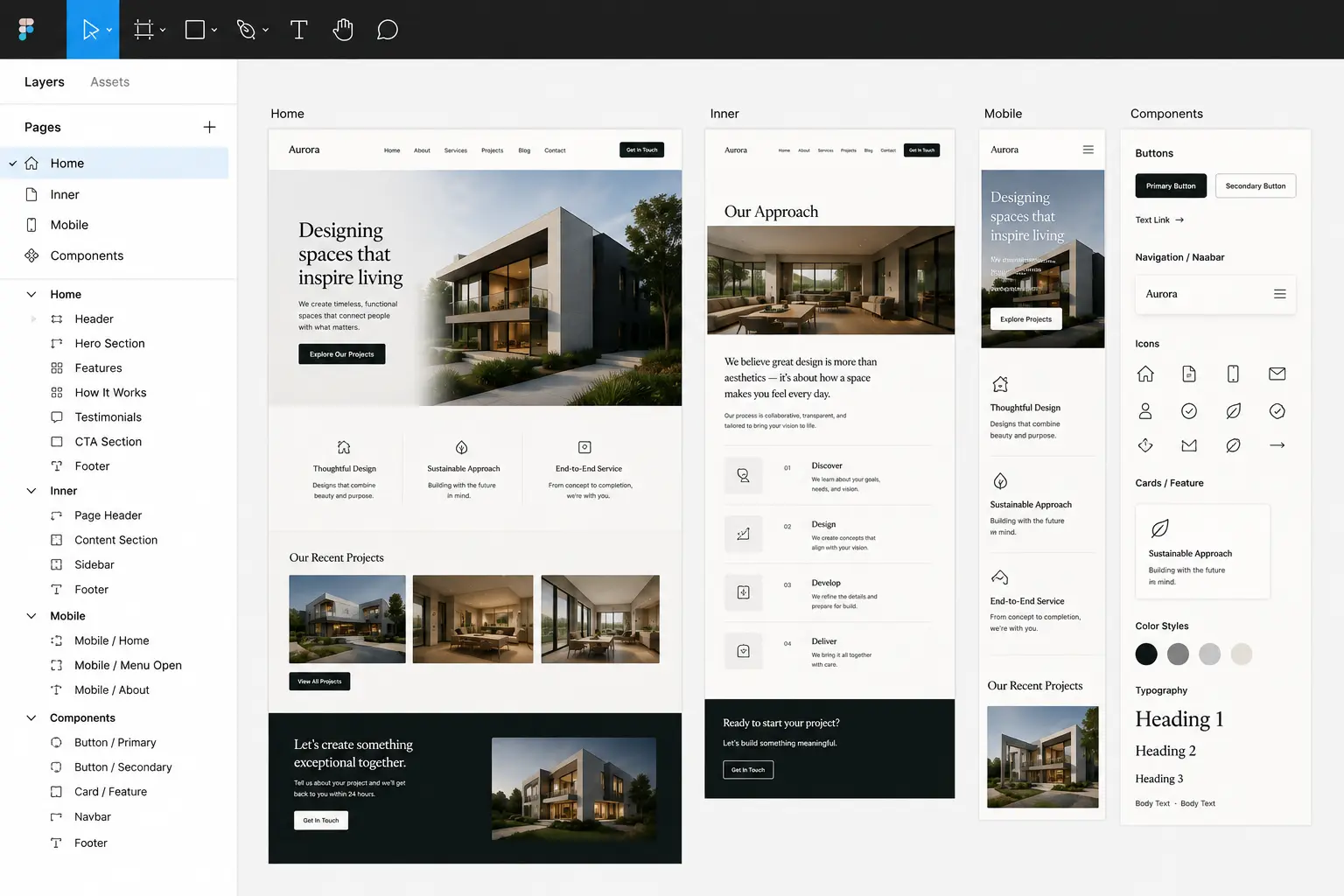
- Desktop and mobile for every template you will build — home, one inner page, blog or work index, a single post or case study, contact, 404 if it is branded
- A type scale and color styles — named, not twelve untitled greens. That maps to Elementor global styles
- Buttons once — default, hover, outline. Not a new pill on the pricing page
- Real copy length — a 12-word hero is a lie if the client writes 28
- Exportable assets — logo SVG, icons, images at 2x where they matter, no “edit in place” linked files the developer cannot open
Photoshop comps are fine if layers are grouped, named, and exported. A flattened JPEG of the homepage is a moodboard, not a handoff.
What to leave out of the first build
Parallax on every section, custom cursors, and one-off breakpoints at 1372px. Those can follow. The first WordPress pass should be the pages people will use: navigation, type, forms, and the three layouts you will duplicate. Fancy motion is how a handoff becomes an open-ended art project.
If the Figma has a mega menu, decide whether the live IA supports it. Mega menu vs simple nav is the content decision, not a drawing decision.
How to brief the build
- Link to the Figma (or a zip of PSDs) with view access that does not expire next week
- List which frames are in scope for v1 versus “later”
- Note interactions that are not obvious (sticky header, accordion FAQ, shop filters)
- Say which theme and whether Elementor Pro is in the stack — Theme Builder vs Pro
- Give a launch date and who writes final copy
That is enough to quote. TreeThemes’ Figma-to-WordPress package on the services page is for this shape of work: a designed file, an Elementor theme, a site that can still take updates. If the file is a unique app UI, you need a custom theme quote, not a theme implementation.
Accept the translation
WordPress will not match Figma to the pixel on every breakpoint. Forms, cookies, and admin bars exist. A good build matches spacing, type, and components, then documents the two or three intentional differences. Pixel-hunting a blog pagination that was never in the file is how both sides get tired.
When the file is ready, either implement on staging yourself or send it with the list above. Unsure if the design fits a TreeThemes product? Contact with the Figma link and we can say so before anyone starts clicking.



