

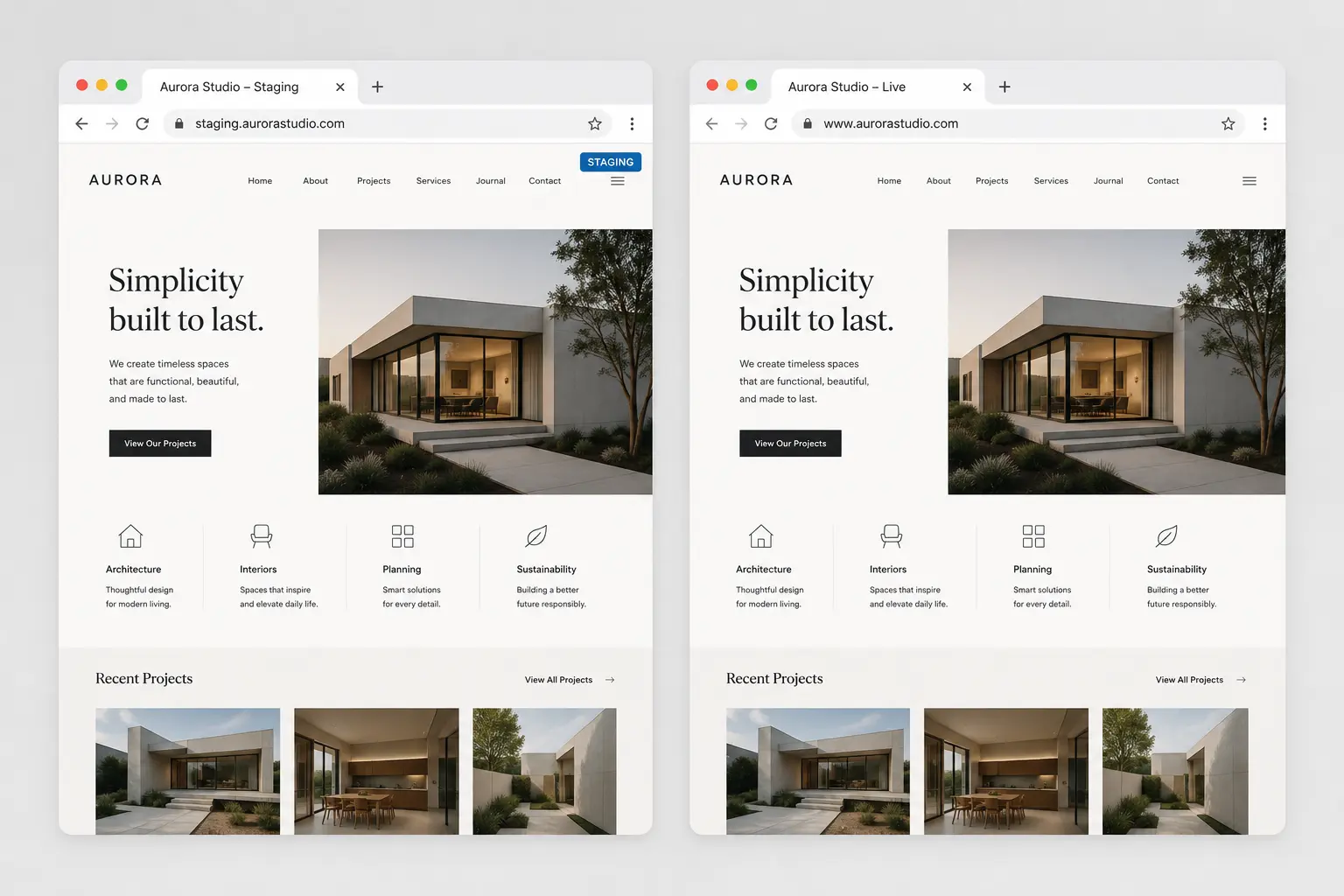
A staging site is a full copy of WordPress that is not the live domain. You import a demo, switch a theme, or break a form there. Production keeps taking orders. Teams skip staging because “it is only a header.” That is how a plugin update blanks the shop on a Friday.
This is a practical staging workflow for Elementor sites. It is not a hosting comparison. If you are about to switch themes, pair it with switching themes without losing content. If you want the clone and cutover handled, Website Migration & Safe Launch is the matching service.
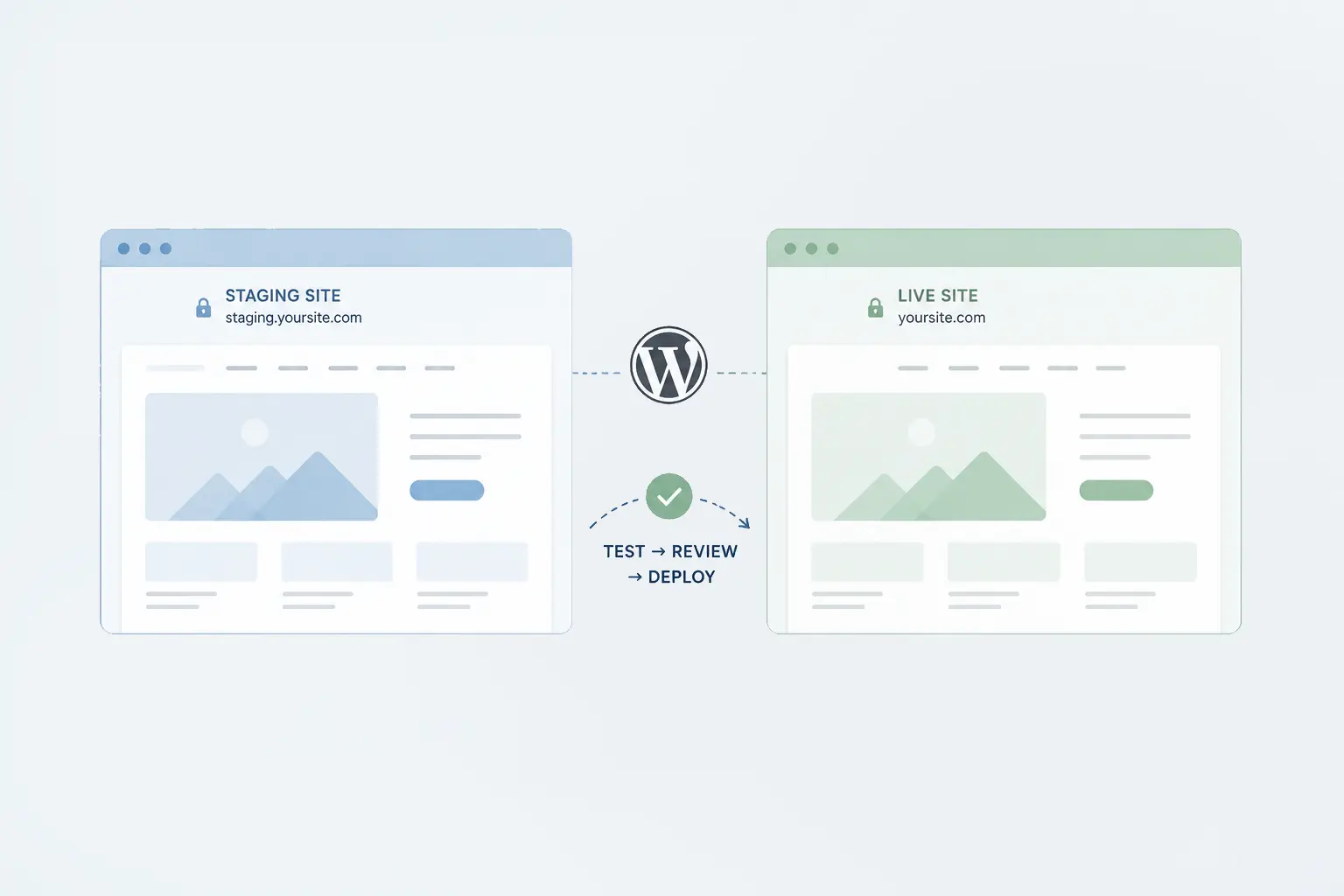
What staging is for
- Demo import and first branding pass
- Theme or plugin updates
- New templates, sticky headers, mega menus
- Migrations and builder changes
What it is not: a public preview for the whole internet. Password it or use a host’s private URL. Search engines should not index it. Copying staging’s “discourage search engines” setting onto production at go-live is a classic own-goal—check that checkbox twice.
How to get a copy
Use the host’s staging tool if it exists (SiteGround, WP Engine, Kinsta, Flywheel, Local for a laptop copy). A migration plugin is fine when the host has no button. The copy must include the database, uploads, and plugins—not only theme files.
After clone:
- Confirm the staging URL loads and logins work
- Turn off emails to real customers (forms, WooCommerce, newsletters) or use a logger
- Note PHP version and memory so you do not “test” on a weaker stack than live
Work in an order that survives Elementor
Do not redesign twenty pages on staging while production keeps changing blog posts. Either freeze content, or plan a final re-clone. For a launch, freeze is simpler.
On staging, set globals first, then Theme Builder chrome, then pages. That is the same order as customizing a demo and global styles. Test mobile there, not only after DNS: mobile design mistakes.
Pushing live without copying the wrong things
Hosts offer “push staging to live.” That can overwrite new live orders and comments. For a brochure site that is fine. For a shop, push only theme/plugin files or use a maintenance window and a cart freeze. When in doubt, deploy the new theme and templates manually on a maintenance page, or hire a cutover—the safe launch line item exists because this step is where DIY gets expensive.
After push:
- Forms send to you
- SSL and mixed-content on images
- Caching plugin purged
- Robots/index allowed on the real domain
A rule you can keep
If the change can blank a template, it happens on staging. If the change is a typo in a paragraph, it can happen on production. Theme switches, builder migrations, and “just this header plugin” belong in the first bucket. Local-by-Flywheel is enough for theme authors; a host staging copy is better when the live database is the source of truth.
Need the first staging copy and a watched launch? Start from TreeThemes services or contact with the live URL and what you want to change.



