

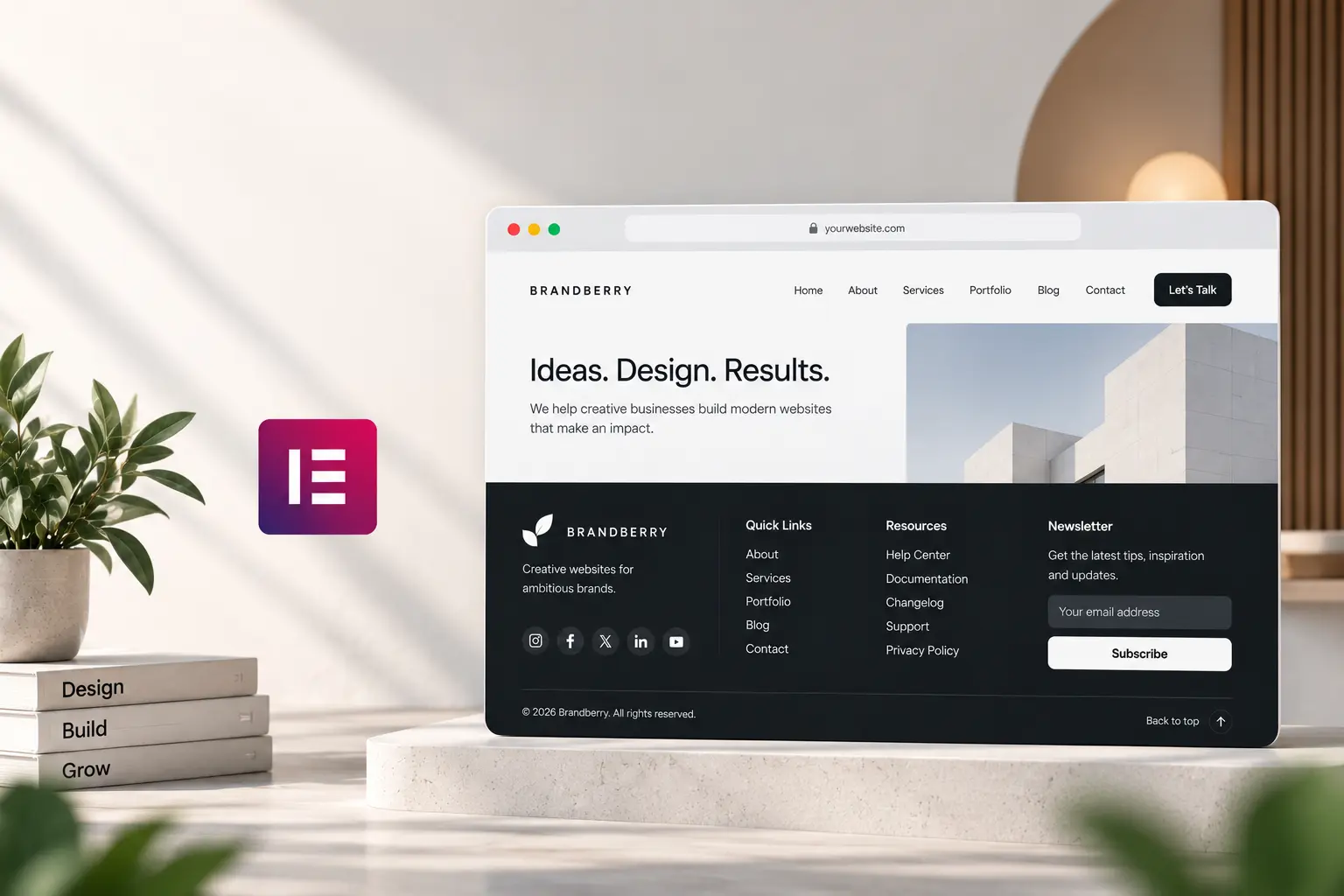
The footer is the second navigation. People who scroll past the pitch still look down for an email, a second path to work, or proof you are a real company. Most Elementor footers are a copyright line, four leftover demo columns, and a newsletter they never send. That is wasted space on every page.
This is what to put in an Elementor footer—and what to cut. You build it as a Theme Builder template, not as a widget area named for an old theme. That is the same chrome as the header; pair this with mega menu vs simple nav so the two do not repeat the same twenty links.
A footer that earns its height
Three blocks cover most marketing sites:
- Who you are — logo, one line of what you do, city if it matters. Not a paragraph. The about page exists for the story.
- Where to go next — Work, Services, Contact, maybe Blog. Five links. If you need a directory, that is a sitemap page, not the footer.
- How to reach you — email as a real mailto, or “Start a project” pointing at the contact page. Phone only if someone answers it.
Instagram and LinkedIn can sit as text links or two quiet icons. A row of eight networks you do not post to looks abandoned. A newsletter field belongs here only if you actually send mail and have a privacy line nearby.
Legal and leftover demo junk
Privacy and cookies go in a thin bar under the columns, not as a fourth equally loud column. Copyright year can be dynamic; clients should not have to remember to type 2027. Delete demo “Our awards” and “Recent posts” widgets unless the site has both.
On Elementor-first themes—Brandberry, Deep, Pine—set footer type and colors from global styles so the bar matches the header. A one-off purple footer on a green site is how demos still look like demos; customizing a demo starts with chrome, not inner pages.
Mobile: stack, then shorten
Four desktop columns become a long scroll on a phone. Two columns or a stacked logo-then-links layout is enough. Keep the contact action near the top of the footer on small screens. Sticky headers already eat height—when a sticky header helps—so do not add a sticky footer as well.
Assign one footer site-wide unless a landing page truly needs a quieter version (no extra nav). Two footers is a maintenance cost. Clients should edit the email and the one-liner, not the column structure; that is the same rule as making a site easy for clients to edit.
If the live footer is still the old theme’s widget area after a switch, rebuild it in Theme Builder rather than hunting the missing sidebar. Contact if you want that chrome done on a TreeThemes product.



