

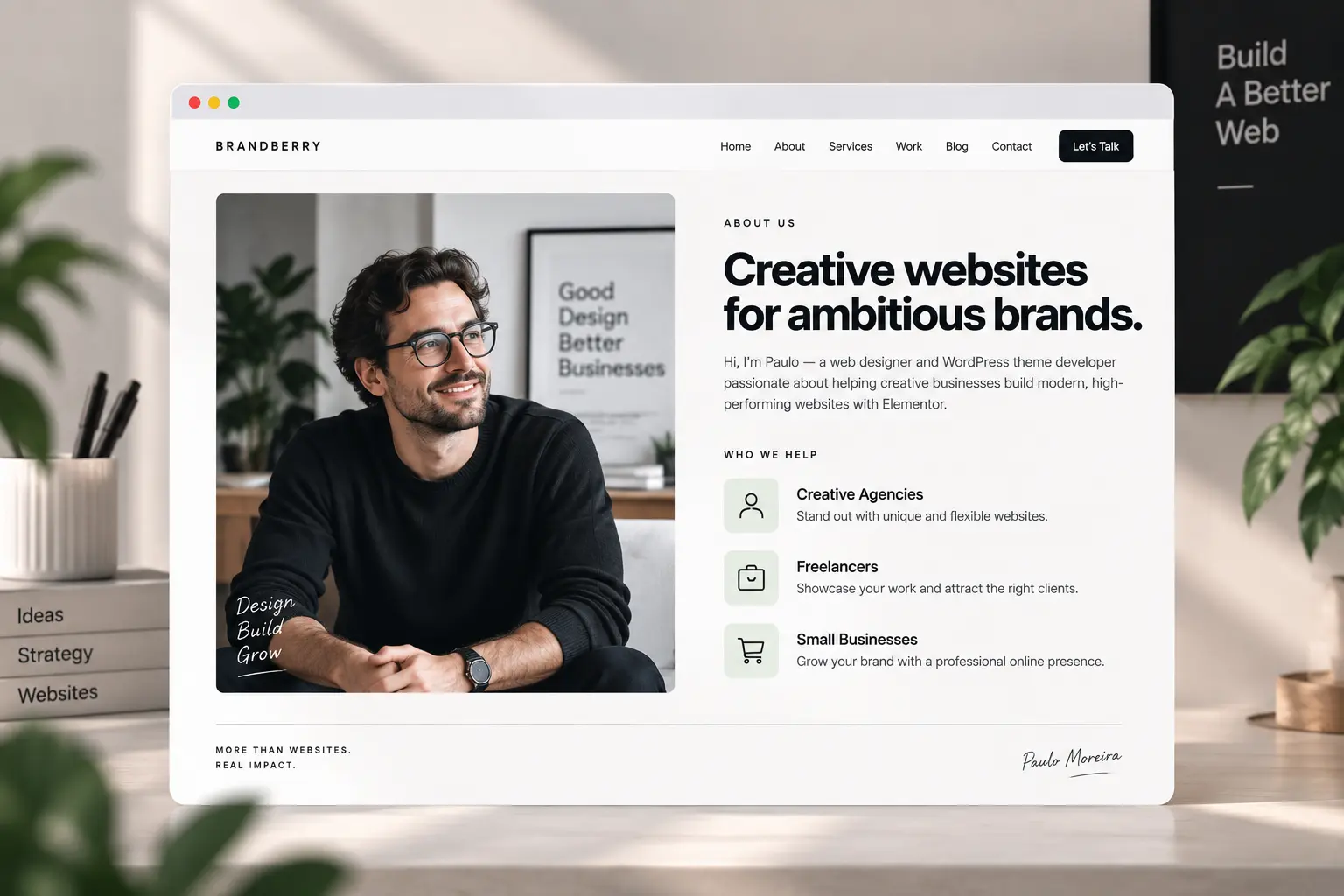
An about page that only says “we are passionate” is a missed page. Visitors who open it already want a reason to trust you: who does the work, who it is for, and what happens if they enquire. Elementor makes it easy to fill the canvas with a timeline, six values, and a photo grid. Most of that can go.
This is a structure you can build once on an Elementor theme and reuse. It sits next to the contact page and, for freelancers, the portfolio page. Use it for a studio, a freelancer, or a small product team—not as a corporate history.

A page with four jobs
- Name who is behind it — a face, a real name, a one-line role. A logo wall of “partners” is not a substitute if you are a two-person studio.
- Say who you help — industries or project types, not “businesses of all sizes.” That sentence decides whether they stay.
- Show how you work — three steps (brief, build, launch) is enough. A 12-stage process diagram is a brochure nobody reads.
- Give a next step — one button to contact or to work. Two competing CTAs split the page.
If the site is one page, this block still exists—it just is not a separate URL. That choice is in one-page vs multi-page.
What to cut
Generic values (integrity, excellence, innovation) unless you can attach a concrete example to each. A timeline of every year since 2014. Team photos that are crop-ins of a conference. Awards that need a paragraph of explanation. Keep one proof block: a short quote, a logo row of three clients, or a single metric you can stand behind.
Long bios belong on a person page or in a toggle, not as the first screen. Clients who will edit this page need a heading and a text widget they can find—easy for clients to edit—not a nested carousel of “our culture.”
Build it from globals, not one-offs
Pull type, buttons, and colors from Elementor global styles so about matches home. On Brandberry, Deep, or Pine, start from the closest about demo section and replace the photo and the who-we-help list the same day. That is the demo customization order: chrome, then this page, then the rest.
On mobile, stack the portrait above the intro and keep the CTA visible without a sticky bar covering it—mobile mistakes. The footer can repeat the email; it should not repeat the whole bio. See Elementor footer for that split.
Have a Figma for this page already? The file rules in Figma to WordPress handoff apply. Or send the URL and the copy if you want it built on a TreeThemes product.



