

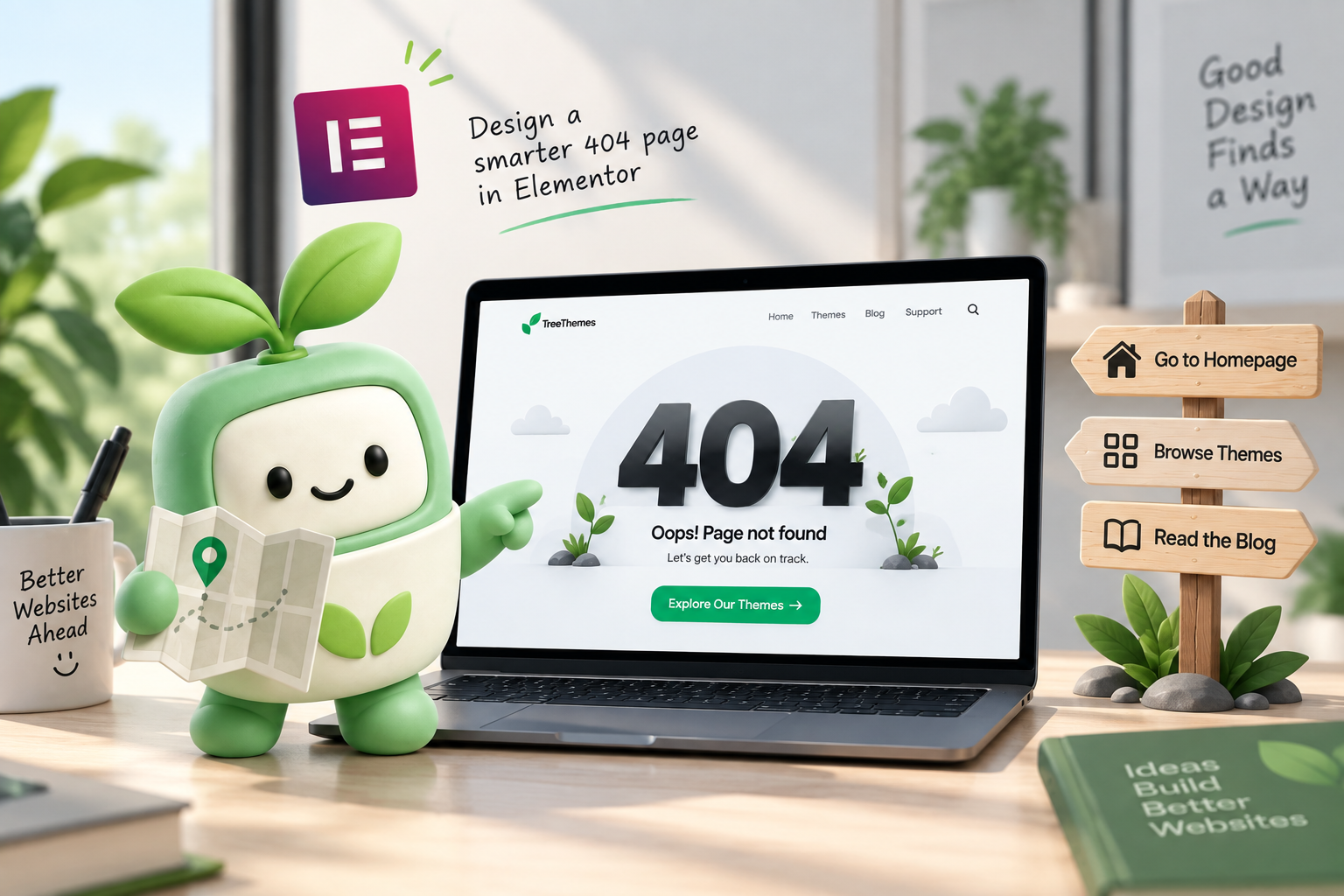
A 404 is not a joke page. Someone typed a URL, followed an old link, or hit a retired project. The default WordPress 404 is a search box and a shrug. The other extreme—a full-screen animation and a pun—looks clever and still sends people away. The job is simple: get them onto a page that still matters.
This is how to design an Elementor 404 page that does that. You build it once in Theme Builder and assign it site-wide. Themes with a Theme Builder—Brandberry, Deep, Pine—already include a 404 template type. If you are choosing Pro vs the theme’s builder, see whether you need Elementor Pro.
What the page should contain
- A plain headline — “This page isn’t here” or “That link is out of date.” Skip 404 in 200px type unless the brand is actually playful.
- One sentence of context — the URL moved, the project ended, or they can keep browsing.
- Two buttons, not six — Home, plus Work, Shop, or Contact. Match the site’s real destinations. A portfolio’s second button is the work index; a shop’s is the catalog.
- Optional: a short list of current pages — three links, not a sitemap dump.
Keep the same header and footer as the rest of the site. A 404 that hides navigation makes the miss feel worse. Footer content that already lists pages is enough—see what belongs in an Elementor footer.
What to leave off
A search field only helps if the site has a large blog or shop and search actually returns good results. On a five-page marketing site it is empty theatre. Same for a contact form on the 404: if they wanted to write, they would use the contact page. Link there. Do not duplicate the form.
Heavy Lottie loops and autoplay video delay the one thing that matters: the next click. If you want motion, keep it small. Mobile still needs the buttons above the fold—mobile design mistakes apply here too.
How to assign it
Create a 404 template in Theme Builder, design it with global colors and type (global styles), and set the display condition to the 404. Test by visiting a nonsense URL on staging, not by guessing in the editor. After a theme switch or migration, confirm the old 404 template is not still assigned—two 404s is a common leftover.
If you are rebuilding chrome after a move, the order is header, footer, then 404. The content pages can wait. Need that chrome built on a TreeThemes product? Contact with the live URL.



