

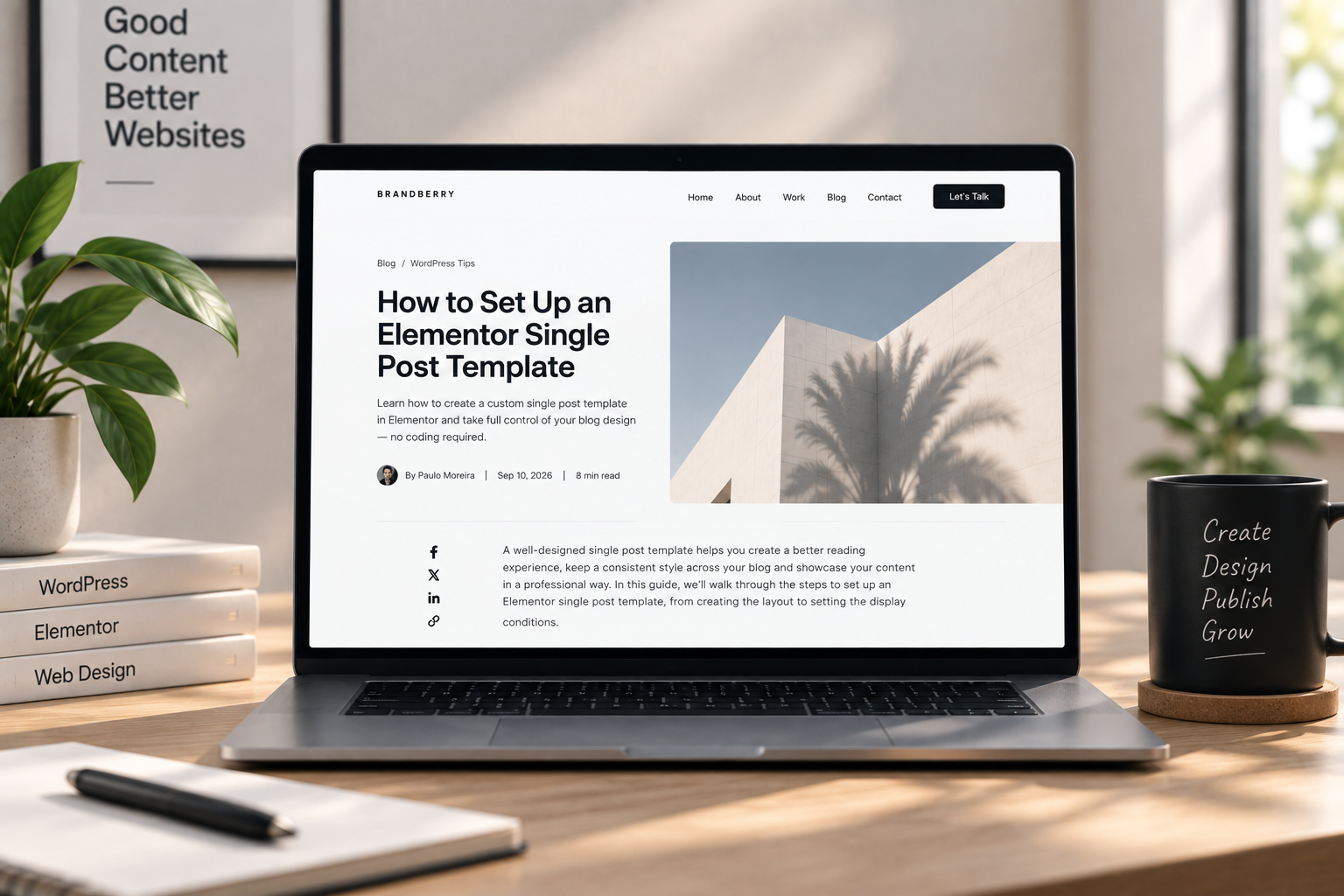
A single blog post in Elementor is often either the theme’s default (title, date, a cramped column) or a one-off canvas you rebuilt for one article. The first looks unfinished next to a designed homepage. The second does not scale. The fix is one Theme Builder single template that every post uses.
This is how to set up an Elementor single post template so writing stays in the WordPress editor and the chrome stays designed. It is not a content-strategy guide. If you are choosing Theme Builder vs Elementor Pro, start with whether you need Elementor Pro.
What the template must include
- Post title — dynamic, not a heading you type once in Elementor.
- Meta — date and one category. Author and read time only if they are true and useful.
- Featured image — optional, but if you use it, size it once in the template so every post does not crop differently.
- Post content — the dynamic widget that prints the editor. This is the article. Do not duplicate it as static text.
- A next step — related posts, or a short line plus a button to contact or the services page.
Skip a right sidebar of “recent posts” and a newsletter unless the blog is a real channel. A designed site with a 200px sidebar of tags looks like 2016. The footer already carries extra links.
Write in WordPress, not in Elementor
If each post is a unique Elementor page, the client cannot add an article without you. Keep the template in Theme Builder and the words in the block editor (or classic). Images inside the post can be wide or full; the template should leave room for that instead of locking a tiny column that fights alignwide.
That split is the same idea as a site easy for clients to edit: they change content, not layout. Assign the template to all posts (or all posts in a category) with display conditions. Test with a long article and a short one, and with and without a featured image.
Type, width, and mobile
Pull headings and body from global styles so posts match the rest of the site. A blog in a different font family than the homepage is a leftover demo. On Brandberry, Deep, or Pine, start from the theme’s single template and strip widgets you will not maintain.
On a phone, meta should not wrap into four lines, and the featured image should not push the first paragraph below a sticky bar—see sticky headers and mobile mistakes. Line length still matters: a full-bleed text column is hard to read; a centered content width is the point of the template.
Need the single template built once so the rest of the blog can be written in admin? Contact with the theme and a sample post URL.



