

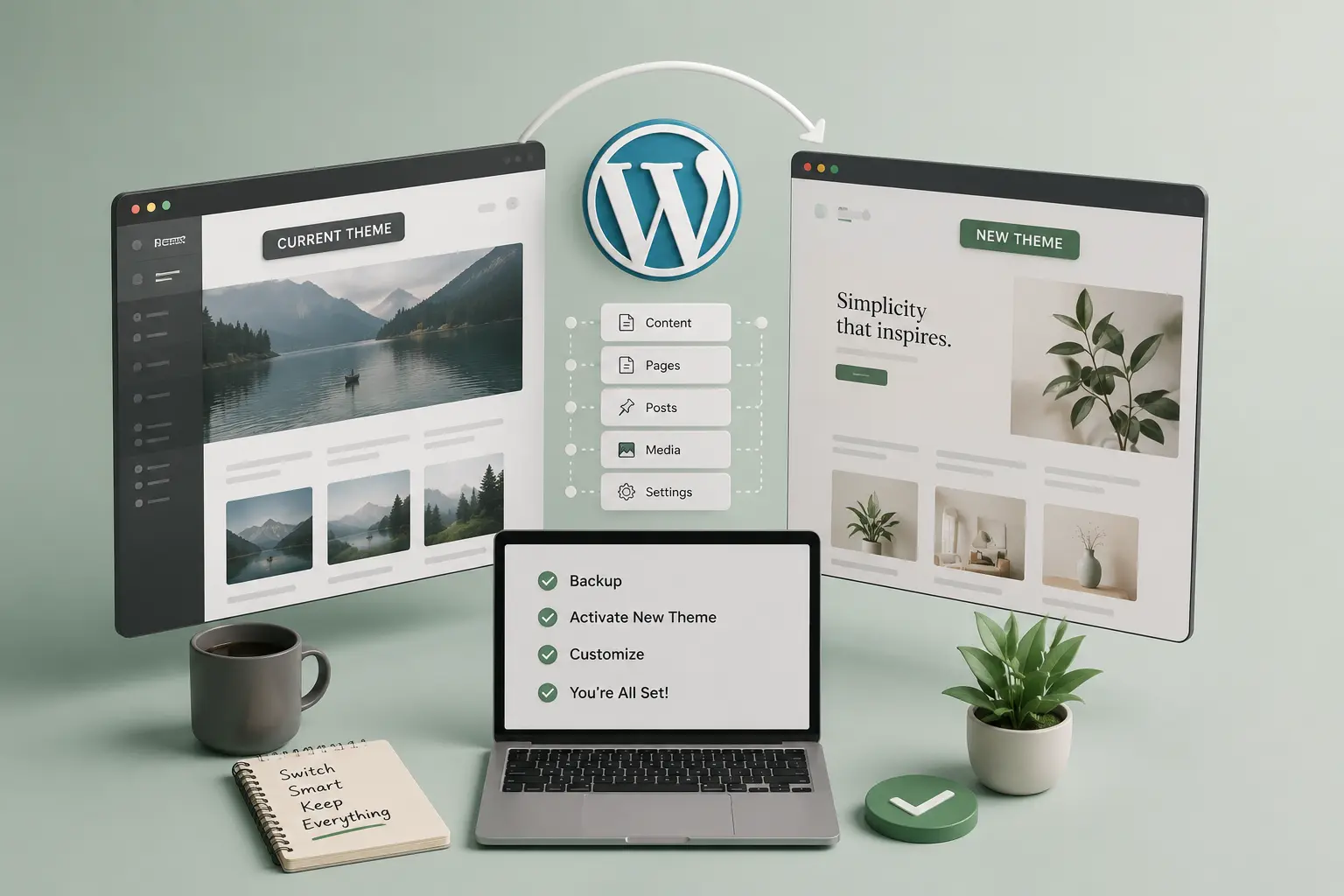
Switching themes is not the same as importing a demo on a fresh install. You already have pages, a menu, maybe WooCommerce, and URLs Google knows. The fear is real: one click and the header is gone, the shop looks like 2014, and half the images sit in a leftover page builder.
This is a practical order for moving an existing WordPress site onto a new theme—especially an Elementor-first one—without treating the old content as disposable. It is not a one-click promise. If the old site is Divi or WPBakery through and through, you are in rebuild territory; that path is in migrating Divi or WPBakery to Elementor. For a scoped move onto a TreeThemes product, see TreeThemes services (theme switch and safe launch are listed there with fixed prices).
What you can keep
WordPress content is not locked inside the old theme’s PHP. Posts, pages, media, users, and most plugin data survive a theme switch. What does not survive is layout that lived only in the old theme: custom header widgets, theme options, page templates named for that product, and CSS that targeted its class names.
Elementor pages usually survive if Elementor stays installed. Classic theme templates (page-about.php and friends) do not. Inventory that before you switch.
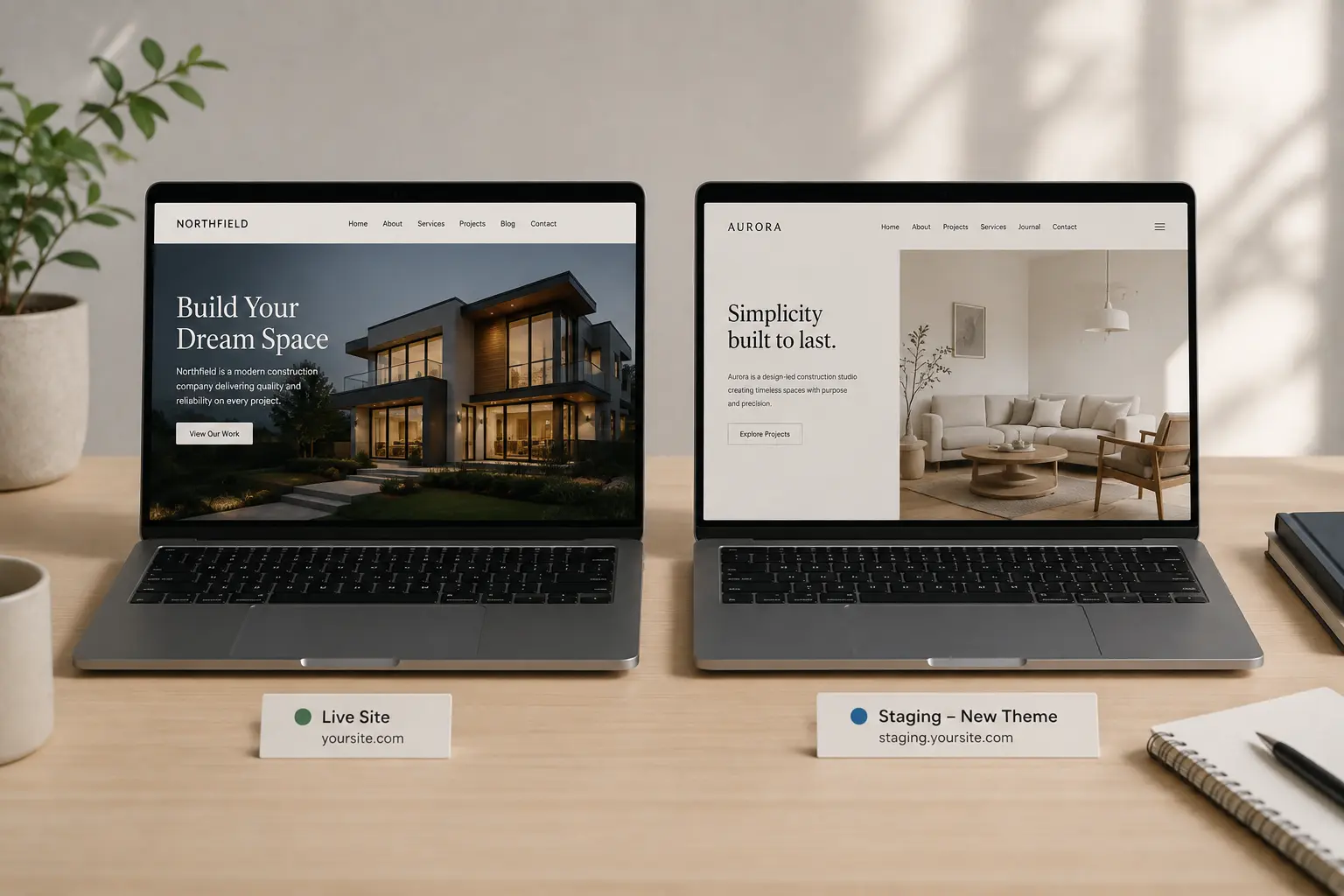
Do it on staging, or do not do it
Clone the site. Switch the theme there. Never “try the new theme for five minutes” on production. A staging workflow is in how to use a WordPress staging site before launch.
On staging:
- Note active plugins. Deactivate the old theme’s companion plugin last, after you know what it was doing (custom post types, shortcodes, widgets).
- Install the new theme and its required plugin pack. Import one demo only if you need starter templates—not three.
- Assign header, footer, and blog templates from the new Theme Builder. That is the chrome. Pages can wait.
- Walk the top ten URLs: home, contact, shop or work, two inner pages, a post. Write down what is empty versus what is merely unstyled.
Menus, widgets, and “missing” sidebars
Menus often remain but unhook from the new theme’s locations. Reassign Primary and Footer. Widget areas named for the old theme will look empty; that is expected. Move useful blocks into the new footer template instead of hunting a vanished sidebar.
If the new theme is Elementor-first—Brandberry, Deep, Pine—put globals in place before you restyle twenty pages. That order is in Elementor global styles.
When a switch is the wrong job
If every page is a unique builder canvas with no shared header, you are not switching themes. You are rebuilding. Same if you need the old visual 1:1. A switch is for “keep the words and media, accept new templates, then brand them.” That is also when Theme Switch & Content Transfer or Website Migration & Safe Launch is cheaper than a month of evenings.
Go-live without a surprise homepage
- Redirects for any URLs you retire
- Forms tested on the staging hostname, then again after DNS or clone-to-live
- Old theme and its plugin removed only when no template still depends on them
- A 48-hour watch on contact and checkout
If you would rather not own the cutover, the launch packages on the services page exist for that. DIY is fine when the site is small and Elementor already runs the pages. Hire when the live shop, the old builder, or a fixed campaign date is in the way.



