

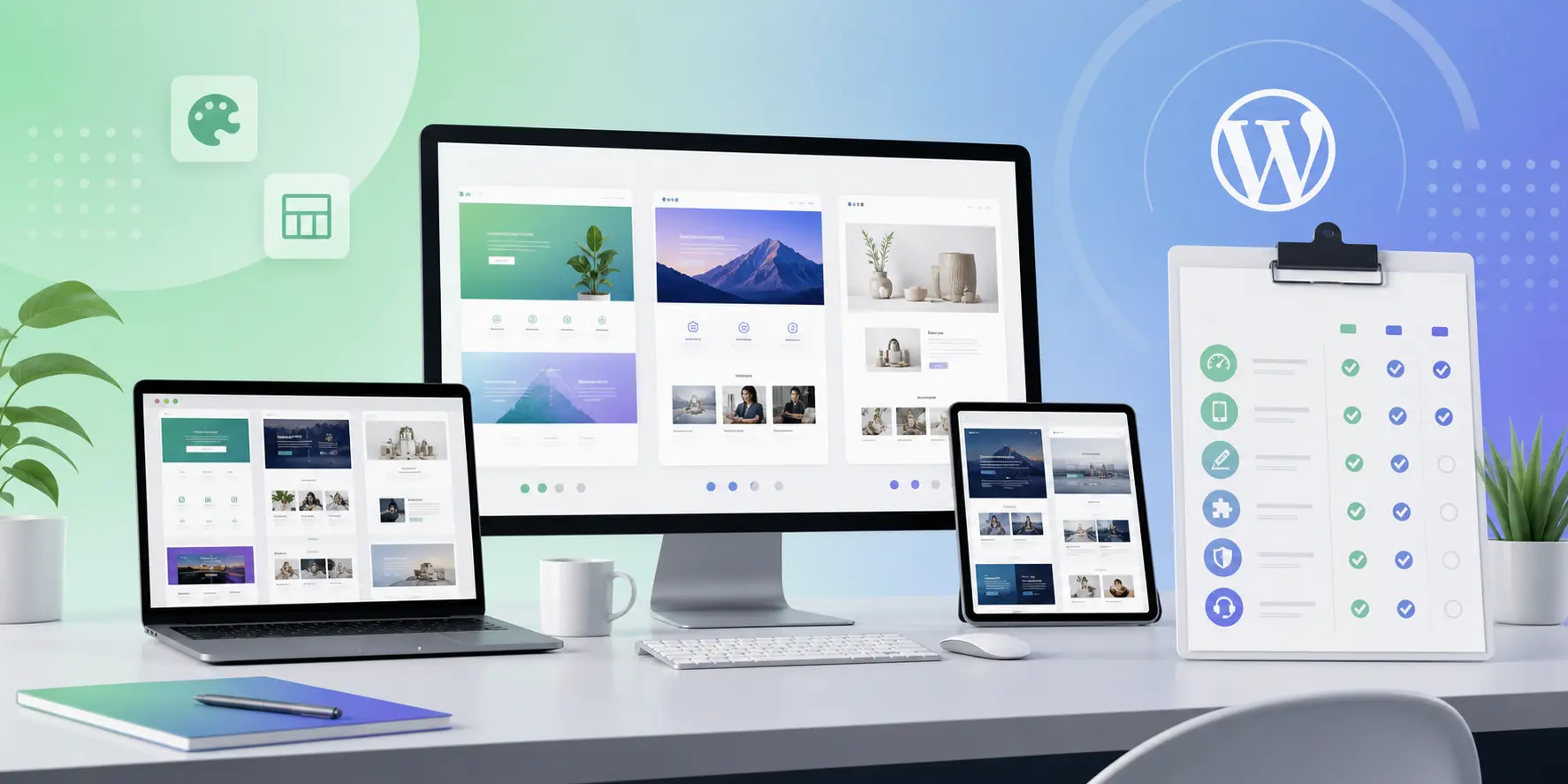
Choosing a WordPress theme for your own site is one thing. Choosing one you will reuse across client projects is another. In 2026, the “pretty demo” test is not enough. You need a theme that holds up under revisions, content handoff, performance expectations, and long-term support.
This guide is written for freelancers and agencies who sell websites for a living—and for business owners who want fewer surprises after launch. The goal is not to crown a single “best theme.” It is to give you a selection process that protects your margins and your reputation.
Start with the job, not the aesthetic
Before you open a theme shop, write one sentence: What must this site do in the first 90 days? Lead generation, portfolio proof, ecommerce, course sales, or a brochure presence all pull you toward different layouts and plugin stacks.
If the answer is only “look modern,” keep going. Visual style is easy to change inside a flexible builder. Architecture, licensing, and update policy are not. Teams that skip this step often rebuild the homepage twice: once for the demo fantasy, once for the real offer.
Translate the job into constraints. Do you need a shop? Multilingual support? Memberships? Heavy motion? A conservative brand with almost no animation? Those constraints eliminate most of the catalog quickly—and that is a feature, not a limitation.
Five criteria that matter more than the hero image
- Builder fit. If your team works in Elementor daily, pick themes designed around that workflow—not themes that merely advertise compatibility.
- Demo honesty. Can you recreate the homepage with your real content in a day, or only with the demo’s placeholder photography and perfect line lengths?
- Global styles. Header, footer, typography, and buttons should be controllable from one place. Client edits explode when every page is a one-off art project.
- Performance baseline. Heavy animation kits are fine when intentional. They are painful when every section loads three libraries “just in case.”
- Support and licensing clarity. Know what support months, update access, and site limits mean before you invoice the client.
Score each shortlisted theme from one to five on those criteria. The winner is rarely the one with the flashiest hero video. It is the one your junior developer can edit without breaking the header on mobile.
Match theme personality to the niche
A creative agency site and a law firm site should not share the same visual noise level. At TreeThemes we intentionally ship different personalities so you can match brand energy without fighting the product.
Deep is bold and creative for portfolios and expressive brands. Brandberry is brand-led and offer-focused. Hazel stays calmer for multi-purpose clarity. Resonance emphasizes agency and freelancer proof. Pine and Nyssa cover additional minimal and motion-led directions.
Pick the lane that matches the brand voice, then customize. Do not force a minimal brand into a maximal theme—or the reverse. Misfit themes create endless revision loops that erase your profit.
A selection workflow you can reuse
- Shortlist two or three themes that match builder and niche.
- Import one demo on staging—not production.
- Replace the logo, five images, and primary copy in the header and hero.
- Check mobile navigation, forms, and any cart or contact paths.
- Run a quick PageSpeed pass and note theme weight versus plugin weight.
- Only then commit the stack and close discovery.
This workflow feels slower on day one. It is faster than discovering on launch week that the mobile menu conflicts with a sticky promo bar you promised the client in the proposal.
Licensing for client delivery
If you build many sites a year, compare single-theme purchases against an All Access-style pass. One boutique site per quarter is different from a retainer agency shipping monthly launches.
Always document which license sits on which domain. When clients ask whether they can reuse the theme on a microsite, you need an answer grounded in the actual license—not a guess in Slack.
Red flags worth walking away from
Demos that only look good with bundled premium plugins you will never renew are a trap. So is a missing changelog, stacked page builders, vague “unlimited” claims, and required plugins that duplicate your agency standards.
Questions to ask before you buy
Will this theme still make sense if the client doubles their blog output? Can a non-technical marketer change the homepage offer without breaking spacing? Does the mobile menu survive a long navigation label in another language? These questions sound small; they predict support volume.
Also ask how demos are built. Some demos rely on one-off Elementor sections that are beautiful but not reusable. Prefer systems where the homepage patterns can become inner pages without redesigning from zero. That is how agencies protect timeline estimates.
Finally, check the commercial path: support length, update access, and whether your volume suggests a single license or All Access. Buying the wrong commercial shape is as costly as buying the wrong aesthetic.
Bottom line
The best client theme is the one your team can edit confidently six months later. Beauty gets the yes. Maintainability keeps the client. Explore current releases in our themes catalog, or contact us if you want help matching a product to a project brief.
How TreeThemes thinks about this
We build and support premium WordPress themes for people who ship real client work—not disposable demos. That means we care about licensing clarity, Elementor workflows, and practical performance as much as visual polish. When you use our catalog, you are choosing a product line meant to survive revisions, handoffs, and the messy middle of real projects.
If you want a second pair of eyes on your stack—theme choice, setup, or customization—reach out. We would rather help you pick once than watch a rebuild become inevitable.



