

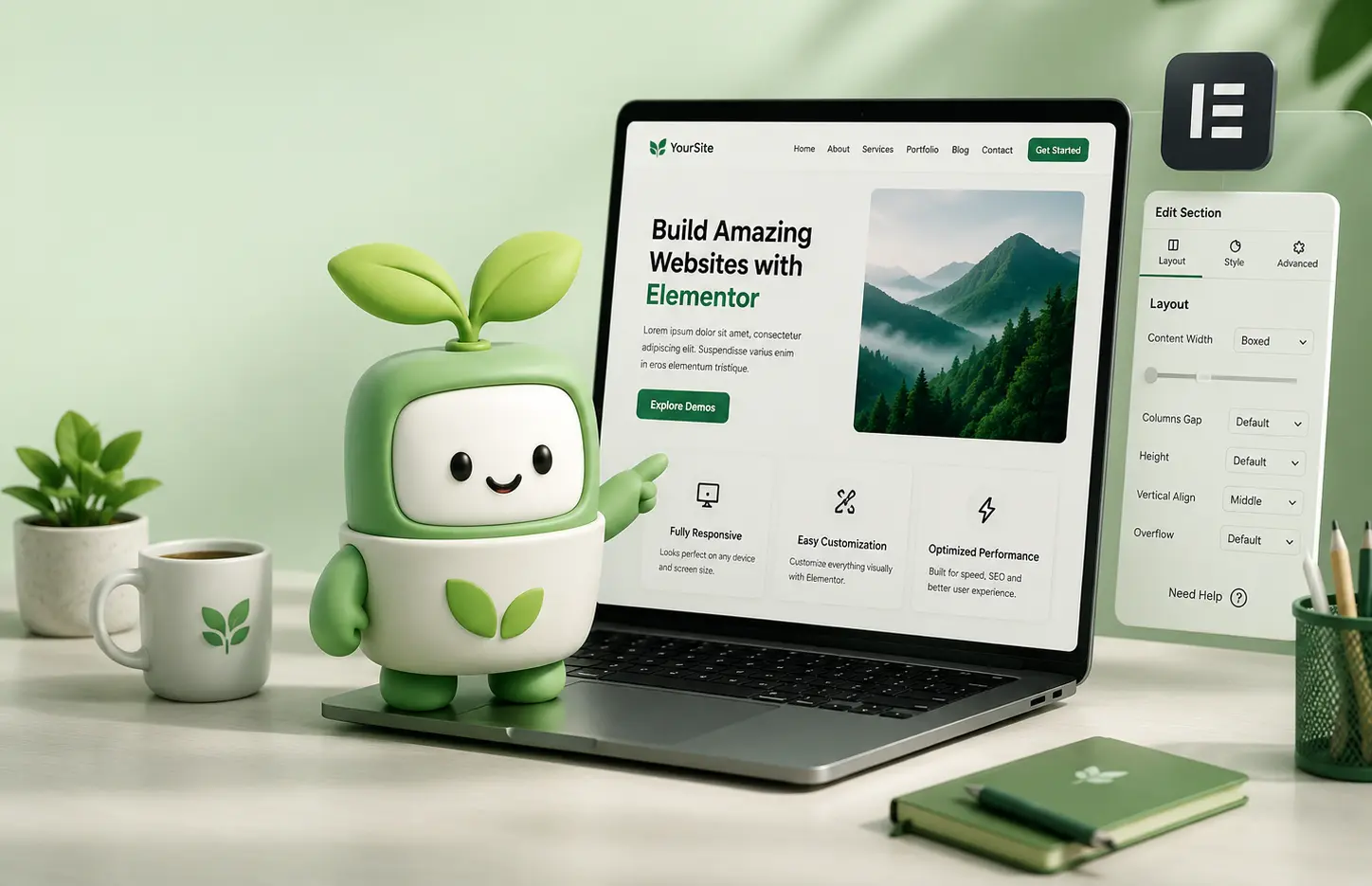
Choosing the right Elementor WordPress theme can have a major impact on how your website looks, performs and grows over time.
Elementor gives you enormous freedom to design pages visually, but the theme underneath it still matters. Your theme affects your site structure, performance, responsive behavior, headers and footers, WooCommerce integration, blog layouts and many other important parts of your website.
With thousands of WordPress themes available, choosing one can quickly become overwhelming. In this guide, we’ll look at the most important things you should check before buying an Elementor WordPress theme in 2026.
Why Your Elementor WordPress Theme Still Matters
It is easy to assume that Elementor handles everything, but your WordPress theme still provides the foundation of your website.
A well-built theme can give you professionally designed layouts, additional Elementor widgets, better theme-building options, reusable templates and useful features that would otherwise require several extra plugins.
A poor theme, on the other hand, can make your website unnecessarily complicated, slow or difficult to maintain.
The goal is therefore not simply to find the theme with the longest feature list. You should choose a theme that gives you the right balance of design quality, flexibility, performance and long-term support.
1. Make Sure the Theme Is Built Properly for Elementor
The first thing to check is whether Elementor is simply supported or whether the theme has actually been designed around Elementor.
There is a big difference.
A modern Elementor theme should allow you to edit the most important parts of your website visually and should provide layouts that work naturally with Elementor’s responsive and global styling controls.
Look for features such as:
- Visual drag-and-drop page editing
- Elementor-based headers and footers
- Responsive Elementor controls
- Reusable templates and sections
- Custom Elementor widgets
- Global typography and color support
The less you need to jump between Elementor and complicated theme option panels, the easier your website will be to manage.
2. Check the Quality of the Demo Websites
Demo websites are one of the best ways to understand what a theme can actually do.
Do not only look at the homepage. Explore the complete demo and check its inner pages, mobile layouts, portfolio pages, blog, contact pages and navigation.
Ask yourself:
- Does the design feel professional?
- Would you realistically use these layouts for your own project?
- Are the inner pages designed with the same care as the homepage?
- Does the website still look good on mobile?
- Can different demo layouts be mixed together?
A theme with a smaller collection of carefully designed demos can often be more useful than a theme containing hundreds of repetitive layouts.
3. Look for Flexible Demo and Page Import Options
One-click demo import can save hours when starting a new website, but flexibility is even more important.
The best Elementor themes allow you to import a complete starter website when you want to start quickly, while also letting you import individual pages or sections when you only need specific layouts.
This is particularly useful for agencies and freelancers who build many different websites.
For example, you may want the homepage from one starter site, a services section from another and a portfolio layout from a third.
A flexible template library makes this much easier.
4. Check Performance and Loading Speed
Website performance affects both user experience and SEO.
Visitors are less likely to stay on a website that feels slow, while search engines increasingly consider page experience and performance signals when evaluating pages.
Before choosing a theme, check whether the developer mentions:
- Optimized CSS and JavaScript loading
- Lazy loading where appropriate
- Feature controls that let you disable unused functionality
- Optimized animations and visual effects
- Compatibility with caching plugins
A visually impressive theme should not require unnecessary scripts on every page.
You should also remember that performance depends on more than the theme itself. Hosting quality, image optimization, plugins and caching all play an important role.
5. Test the Responsive Design
A large percentage of website traffic now comes from smartphones and tablets, so responsive design cannot be an afterthought.
Open the live demo on different screen sizes and check:
- Navigation menus
- Typography
- Buttons
- Portfolio grids
- Image galleries
- Forms
- Spacing between sections
A good Elementor WordPress theme should also give you enough control to fine-tune layouts separately for desktop, tablet and mobile.
6. Look for a Complete Theme Builder
One of the most useful features in a modern Elementor theme is the ability to visually control more than standard page content.
A complete Theme Builder can let you create and customize:
- Headers
- Footers
- Single blog posts
- Portfolio pages
- Archive pages
- Search results
- 404 pages
This is especially valuable if you want your entire website to follow one consistent design system.
For example, Brandberry, Deep and Pine Elementor provide Elementor-based workflows designed to give you visual control over your website structure.
7. Consider the Included Elementor Widgets
Elementor itself already includes many useful widgets, but theme-specific widgets can significantly expand what you can build without installing extra plugins.
Depending on your project, useful widgets may include:
- Advanced portfolio grids
- Post layouts
- Animated headings
- Testimonials
- Pricing tables
- Mega menus
- Advanced accordions
- Image galleries
- Sliders and carousels
- Dynamic content elements
The important thing is not simply the number of widgets included. Check whether they are widgets you will actually use.
8. Check WooCommerce and Plugin Compatibility
If you plan to sell products or services, make sure your theme includes proper WooCommerce support.
This can include styled product pages, shop archives, carts, checkout pages and Elementor-compatible WooCommerce elements.
You should also check compatibility with the plugins your website may need, such as:
- WooCommerce
- Contact Form 7
- WPML
- Polylang
- Loco Translate
- Popular SEO plugins
- Caching and performance plugins
Good compatibility can prevent many problems later.
9. Check Updates, Documentation and Support
A WordPress theme is not something you install once and forget about.
WordPress, Elementor, WooCommerce and PHP continue to evolve, which means your theme needs regular maintenance as well.
Before purchasing, look at the theme changelog and check how recently it was updated.
You should also confirm that the developer provides:
- Clear documentation
- Regular compatibility updates
- Technical support
- An easy update process
At TreeThemes, our current Elementor themes are continuously updated to maintain compatibility with new WordPress and Elementor versions, and customers also receive access to technical support.
10. Consider How AI Can Improve Your Workflow
AI is starting to become part of the WordPress website-building workflow.
Instead of using AI only to generate text in a separate browser tab, newer tools can help directly inside WordPress and Elementor.
For example, AI can assist with:
- Generating page content
- Creating complete website sections
- Rewriting existing copy
- Generating images
- Creating SEO blog content
- Building new pages
- Automating repetitive WordPress tasks
Brandberry 2.0, for example, includes Leafo AI directly inside the theme and Elementor workflow. It can help create complete websites, pages, sections, content and images without constantly switching between different tools.
AI is not essential for every website, but if you build websites regularly it can significantly reduce the time required for repetitive tasks.
What Should You Avoid When Choosing an Elementor Theme?
There are also several warning signs worth watching for.
Be cautious of themes that:
- Have not been updated for a long time
- Depend on many unnecessary plugins
- Provide beautiful screenshots but weak inner pages
- Are difficult to customize outside the demo design
- Have poor mobile layouts
- Do not provide clear documentation
- Have no visible support or update history
The cheapest theme is not always the most economical choice if you later spend hours fixing compatibility or design problems.
Which Elementor WordPress Theme Should You Choose?
The best theme depends on the type of website you want to build.
If you are building a creative agency, portfolio or freelancer website, look for strong portfolio functionality, flexible typography, modern animations and distinctive layouts.
For business websites, prioritize clear navigation, service layouts, conversion-focused sections and good mobile performance.
If you create websites professionally, reusable templates, Theme Builder functionality and a strong section library can save a considerable amount of development time.
TreeThemes currently offers several Elementor-based options for different creative projects:
- Brandberry – a bold AI-powered Elementor theme for agencies, portfolios, freelancers and creative businesses.
- Deep – a creative Elementor theme focused on flexible layouts and visual customization.
- Pine Elementor – a clean minimalist Elementor theme designed for portfolios, studios and agencies.
Final Thoughts
Choosing the best Elementor WordPress theme is about much more than finding a demo that looks attractive.
Look carefully at the underlying workflow, responsive controls, performance, Theme Builder functionality, template library, update history and support.
A good theme should help you build faster while still giving you enough flexibility to create a website that feels unique.
If you are currently planning a new website, you can explore our premium WordPress themes and compare the available designs, starter sites and Elementor features.
Starting with the right foundation can save hours of work later and make your website considerably easier to maintain as it grows.



