

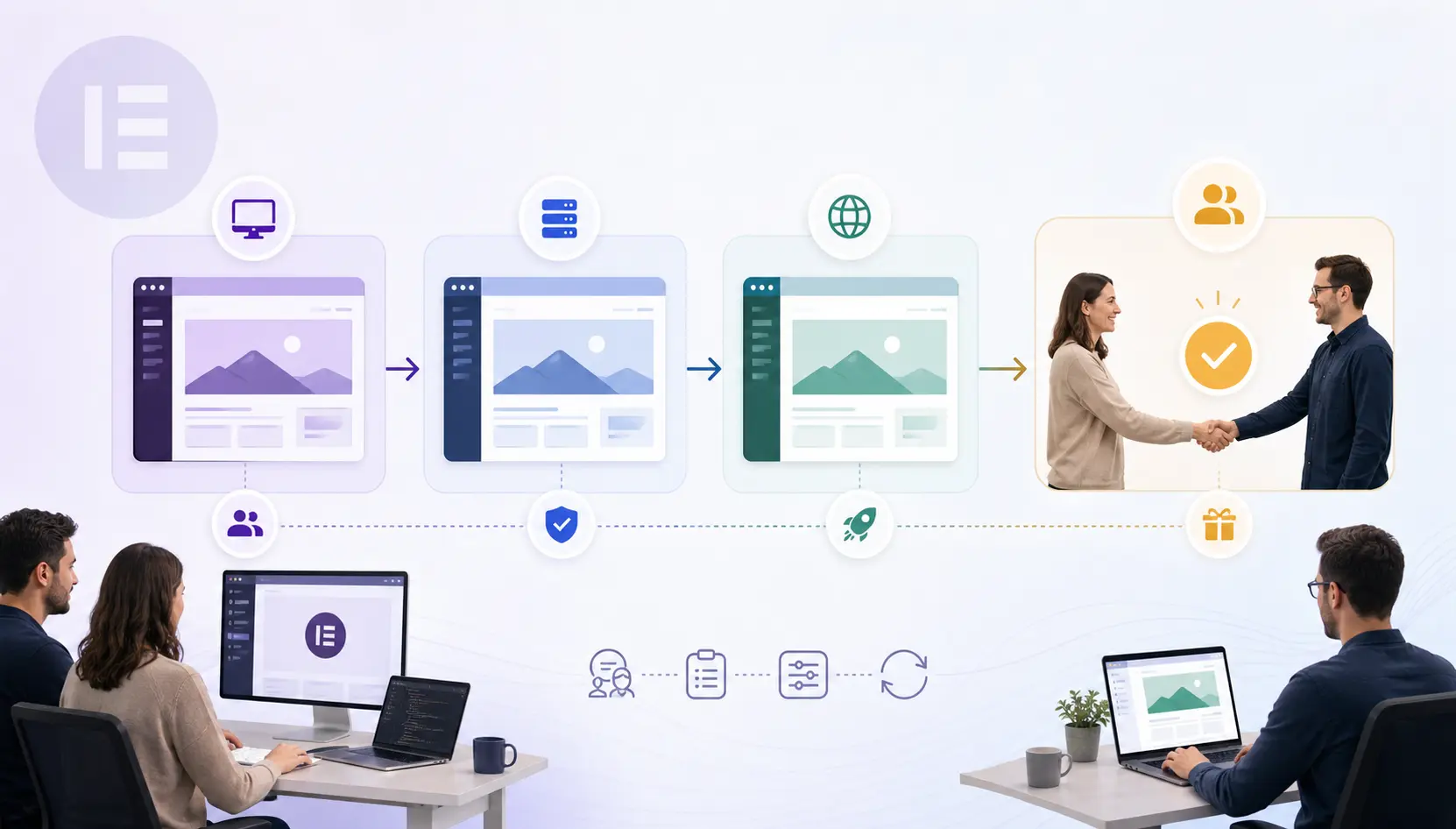
Agencies do not lose time on design alone. They lose it on messy process: demo leftovers, unclear ownership, and handoffs that train clients to break templates. Here is a workflow that scales with Elementor and TreeThemes products.
Pitch with intentional demos
Keep a small library of staging demos aligned to niches—not fifty random imports. When you pitch, show the closest personality—Brandberry for brand marketing, Hazel for restraint—then explain what will change.
Build only on staging
Production is for the finished story. Staging is for experiments, license tests, and client reviews. Sync content carefully; do not quick-edit live because a stakeholder is impatient in email.
Standardize the stack
Use one builder, one caching approach with cart and checkout excludes, a shared QA checklist, and shared naming for templates such as Header, Footer, Home, and Inner. Standardization is how juniors ship without creating unique snowflake sites.
Handoff like a product
Deliver a short Loom or PDF on safe edits, a list of templates not to delete, form notification ownership, and license and update ownership. Ambiguity here becomes support debt.
Retain with clarity
Separate support included with the theme from a retainer care plan. Clients understand paid care when the boundary is explicit. TreeThemes services can cover install and customization when your team is at capacity.
QA gates before client review
Do not send clients a staging link that still contains demo contact forms posting to nowhere. Run an internal gate: mobile nav, forms, key CTAs, and a cache purge after content changes. Client reviews should critique brand and messaging—not discover broken buttons.
Use role accounts carefully. Editors should not have plugin install powers on production. If clients need Elementor access, train them on allowed templates and keep a backup before their first solo edit week.
After handoff, schedule a thirty-day check-in. Many issues appear only after real content operations begin. A short check-in prevents small mistakes from becoming redesign requests.
Next steps
Want a catalog-wide toolkit for the agency shelf? Evaluate All Access against your annual launch volume, or talk to us.
How TreeThemes thinks about this
We build and support premium WordPress themes for people who ship real client work—not disposable demos. That means we care about licensing clarity, Elementor workflows, and practical performance as much as visual polish. When you use our catalog, you are choosing a product line meant to survive revisions, handoffs, and the messy middle of real projects.
If you want a second pair of eyes on your stack—theme choice, setup, or customization—reach out. We would rather help you pick once than watch a rebuild become inevitable.
Tooling that keeps teams aligned
Use a shared Notion or PM checklist per launch with owners and due dates. Store staging credentials in a password manager, not chat history. Keep a changelog of theme and plugin updates applied during the build so support later is not archaeology.
For multi-freelancer teams, assign a build lead who owns template standards. Without a lead, Elementor sites accumulate conflicting spacing systems that look “fine” until the client asks for a global button change.
Finally, protect production: deployments should be intentional. If someone must hot-fix live, require a backup first and a post-fix note. Process is how agencies scale taste without scaling chaos.
Commercial packaging suggestions
Productize three offers: Launch from demo to branded homepage, Growth for additional pages and integrations, and Care for updates and small edits monthly. Map TreeThemes products into Launch by default, with All Access for teams that pitch widely.
When a project needs migration or heavy customization, quote it outside Launch. Clarity here protects margin and sets client expectations. Ambiguous WordPress website packages are how agencies accidentally fund endless scope.
Your operational workflow—demos, staging, handoff—is part of the product clients buy. Show it. Mature process sells as much as pretty screenshots.
Key takeaways
- Decide with constraints first: audience, builder, timeline, and commercial model.
- Prefer maintainable systems over one-off demo magic that only looks good on day one.
- Protect conversion paths—forms, cart, checkout—whenever you optimize for speed.
- Document licenses, templates, and edit rules so handoffs do not become support debt.
- Use TreeThemes products and services as leverage: the right theme personality plus clear process beats endless redesign cycles.
If you apply even half of the practices in this article on your next launch, you will spend less time fighting tools and more time shipping work clients can grow into. That is the standard we aim for across the TreeThemes catalog.
A closing note for busy teams
You do not need a perfect process to benefit. Start with one checklist, one staging habit, or one clearer CTA. Compound those wins across projects. TreeThemes exists to make the product layer of that journey more dependable—so your craft can stay on strategy, content, and client outcomes.
Build the workflow once, reuse it on every TreeThemes project, and your team will feel the difference by the third launch.



