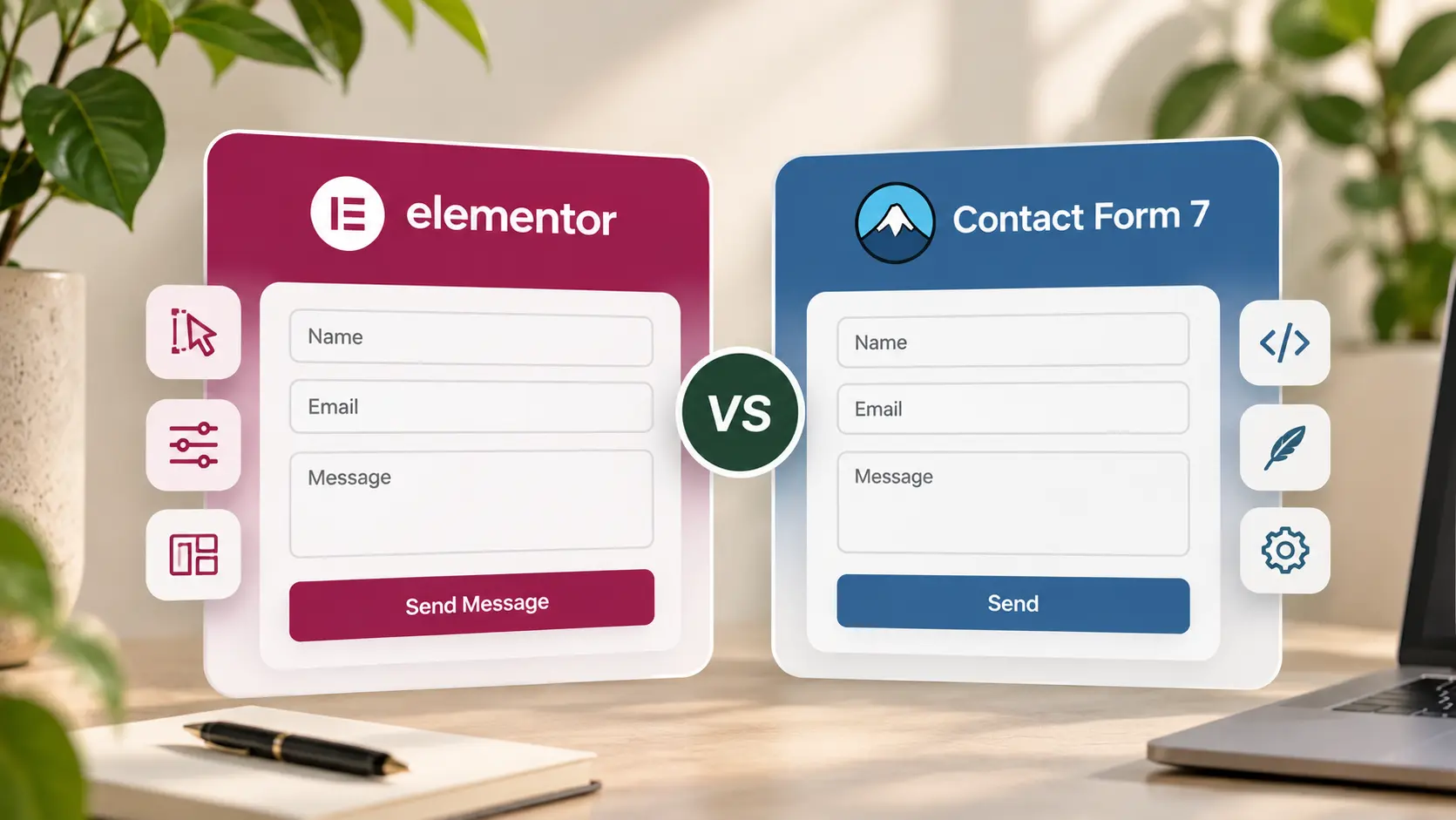
A client site needs a form that arrives in email, looks like the rest of the page, and still works after a cache plugin. That is the whole decision. “Elementor Form vs Contact Form 7” is usually a licence question in disguise: do you buy Elementor Pro for the Form widget, or use the form tool the theme already ships?
This is which to use on a marketing site. The page layout is a different article—contact page that gets inquiries. If you are choosing Pro for Theme Builder rather than forms, start with whether you need Elementor Pro.
What TreeThemes sites actually use
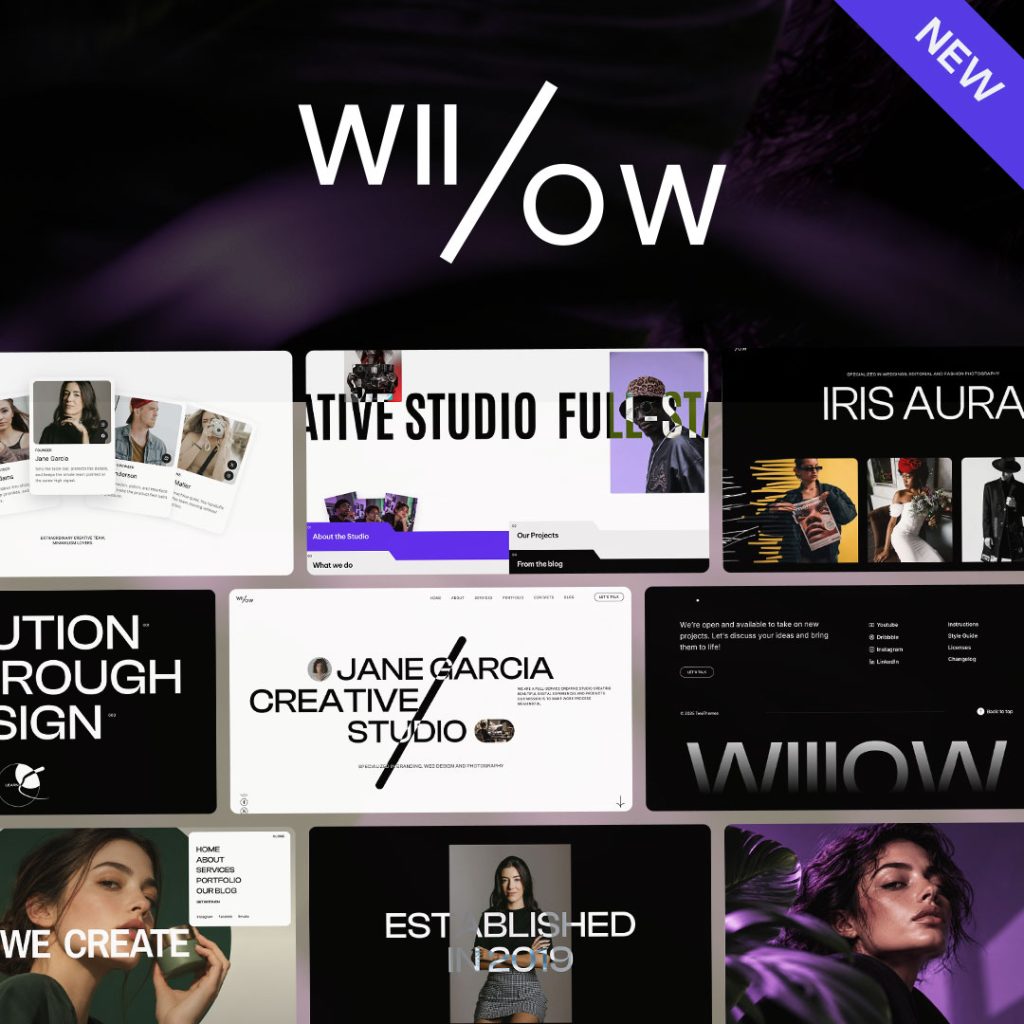
On Brandberry, Deep, Pine, and Willows, Contact Form 7 is the form engine. You create the fields under Contact → Contact Forms, then drop the theme’s Contact Form widget into Elementor and style inputs, labels, and the button there. You do not need Elementor Pro solely to have a designed form.
Elementor’s own Form widget (Pro) is fine if the rest of the stack is already Pro and you want submissions in one place. Running both on one site is how you get two inboxes and a client who edits the unused form. Pick one. Style the fields from global styles so the submit button matches the header CTA.
When CF7 is the quieter choice
Use Contact Form 7 when the theme already includes it, the form is name / email / message (plus one extra you will actually read), and email goes to one mailbox. Add-ons exist for uploads and redirects; you rarely need them on a five-page brochure. Test send after caching. Exclude the form page from “delay all JS” presets—silent submit is worse than a slightly slower contact page.
Keep fields in the CF7 editor, not as ten nested Elementor widgets pretending to be a form. Clients change labels in one screen; that is the same rule as a site easy for clients to edit.
When an Elementor form is worth it
Use Elementor Pro’s Form (or a dedicated form plugin you already support) when you need multi-step, native integrations you will maintain, or the site is already standardised on Pro widgets. Do not add it because a YouTube tutorial started with the Pro form. Do not put a second form in a popup that posts to a different plugin than Contact.
After submit: a short thank-you page or an on-page message, and a real mailbox you check. If the form is the problem and the layout is not, send the live URL. Form install and styling is a short line on the services page.