

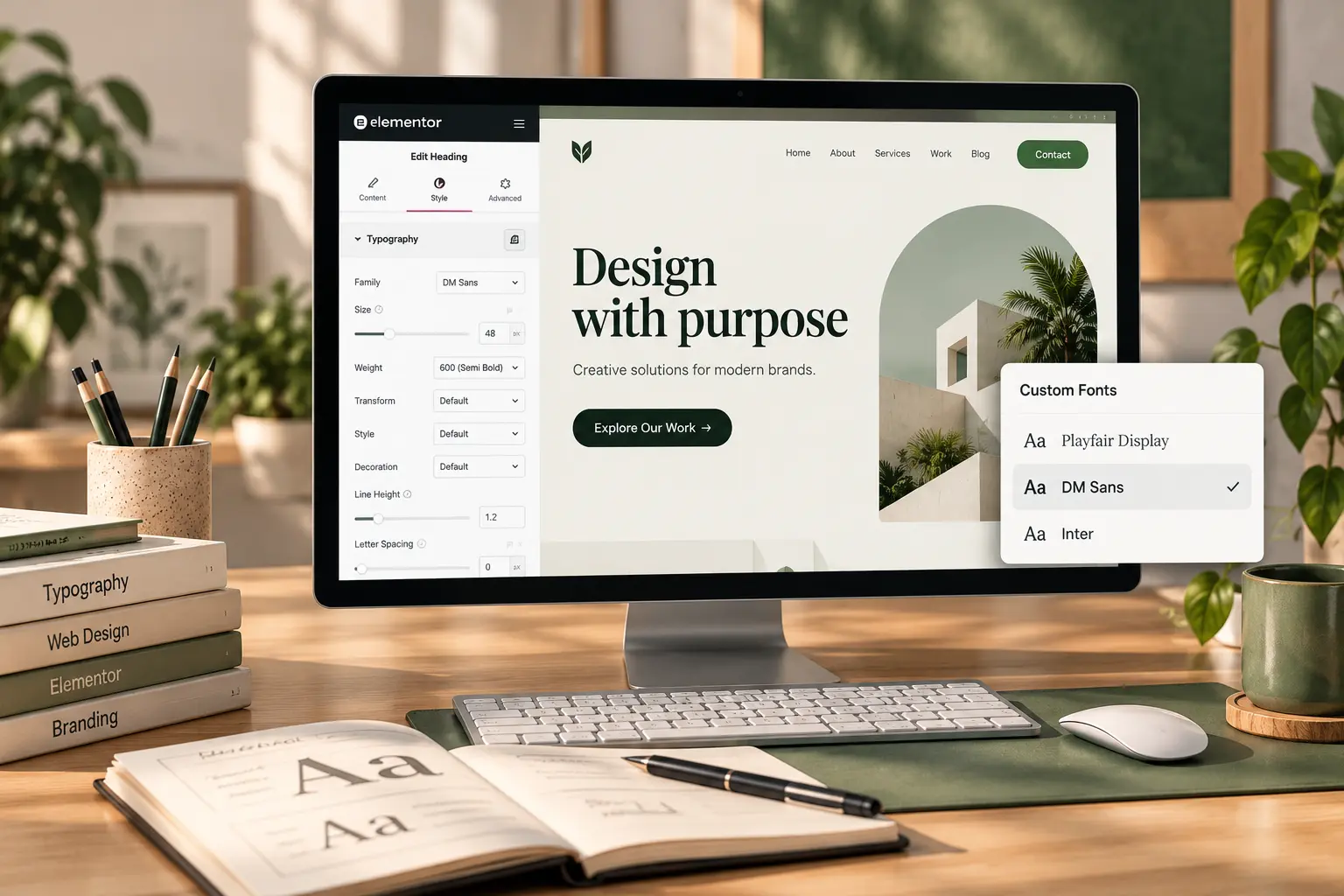
A brand file arrives with a .woff2 and a note: “use this everywhere.” In Elementor that often becomes three heading widgets, each with a different Google Font, plus the uploaded face used once in the hero. The site looks expensive on the homepage and generic on the blog. Custom fonts are not a decoration pass. They are one family, assigned in globals, then left alone.
This is how to add custom fonts in Elementor so they actually stick. Pair it with Elementor global styles for the type scale. It is not a licensing lecture: check you can use the files on the web before you upload them.
Upload once, then pick it in globals
On TreeThemes Elementor products the upload lives in Animation Addons → Custom Fonts. Add the family name, upload the weights you will actually use (usually Regular and Bold; Italic only if body copy needs it), then save. The face then appears in Elementor typography controls like any other font.
Do not assign it widget by widget. Open Site Settings → Typography (or the theme’s global type) and set Heading and Body to the new family. That is how Deep, Brandberry, Pine, and Willows stay consistent after a demo import. If the homepage still shows a Google Font, a heading widget has a local override—, clear it.
What to skip
Five weights “just in case.” Each file is a request. Display faces at 72px plus a second family for UI plus a third for blog meta is how LCP gets worse; image and layout issues are in the LCP and CLS guide, but fonts are the quiet extra. Prefer .woff2. Do not hotlink a desktop .ttf from a Dropbox folder.
If the brand only has a logo in that type, you may not need a custom font at all. Use a close Google Font for body and keep the logo as SVG in the header. Mixing a display face in every H2 is how inner pages feel louder than the work.
Check the whole site, not the hero
After globals, open a post, the blog archive, a form, and a button. Buttons often keep the demo font. Mobile sizes still need a separate pass—mobile design mistakes. Clients should change copy, not hunt Font Family on twenty widgets; that is the same rule as a site easy for clients to edit.
Have the files and want them applied on a TreeThemes product? The color-and-type work is a short item on the services page, or send the woff2 and the live URL.



)